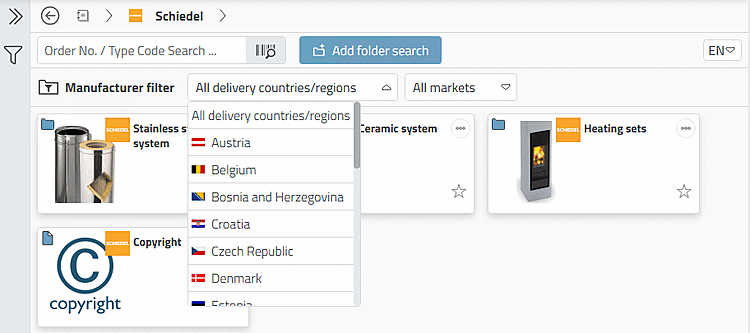
Use different manufacturer filters [Manufacturer filter] if required.
If necessary, click on the button to open the options. If there is enough space in the width, the individual setting options of the manufacturer filter [Manufacturer filter] are immediately visible.
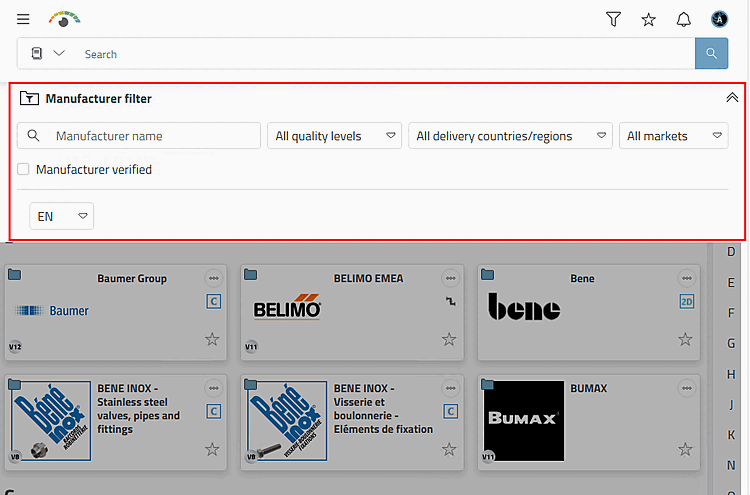

Manufacturer name: If you know the catalog name, you can quickly filter here.
Delivery countries/regions: If a catalog has been classified according to delivery countries, it can be filtered accordingly (otherwise the field is deactivated). The product display (and table) changes depending on the selection. [18]
Markets: Filter by markets such as mechanical engineering, BIM architecture, electronics, etc.
Manufacturer-verified [Manufacturer verified]: Only interesting if crawling catalogs are installed. Then the option is used for differentiation.
Preferred catalog language: If required, set the catalog languageto be different from the user interface language.