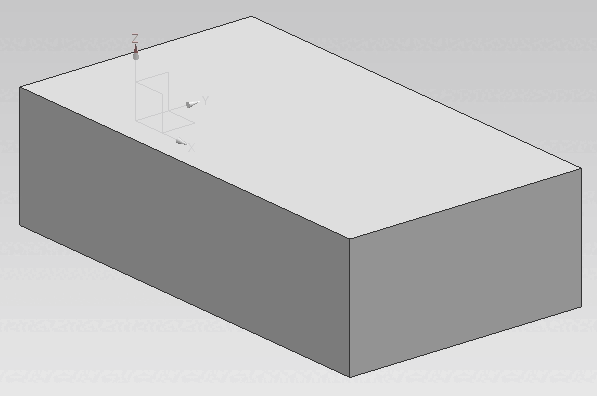
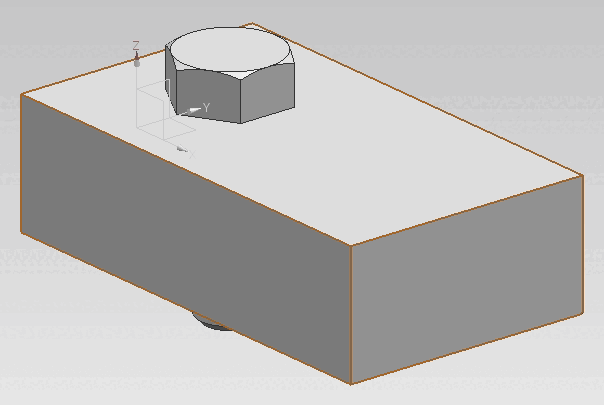
![[Note]](https://webapi.partcommunity.com/service/help/latest/pages/jp/3dfindit/doc/images/note.png)
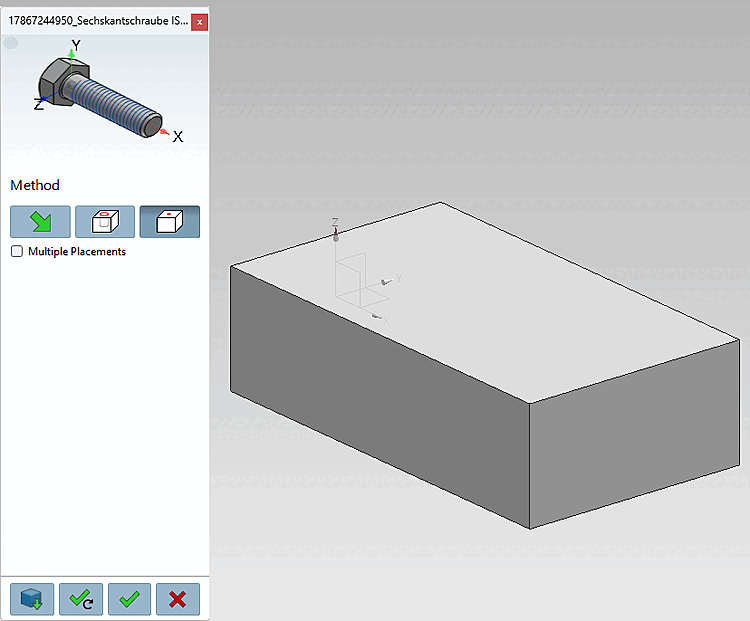
Click the
 to Face [On surface] button.
Select a point on a surface [Select point on surface].
Click Place once
 or Multiple
Place [Place multiple]
or Multiple
Place [Place multiple]
 .
.
Optionally, make additional placements or close the placement dialog

Open: The part is opened in a separate CAD window.
Place Multiple Times [Place multiple] (and Keep the Dialog Open)
Place once (and close the dialog box) 
Close dialog (without placement)