

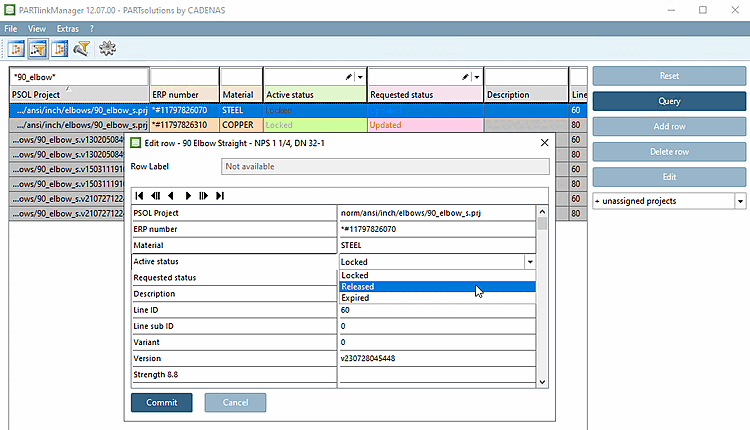
In PARTlinkManager you can edit all fields of a data record (ERPTABLE [ERPTABLE] and some fields of the LINKTABLE (Current status [Active status], Requested status )).[13]
![[Important]](https://webapi.partcommunity.com/service/help/latest/pages/jp/partwarehouse/doc/images/important.png)
[13] You can access all LINKTABLE and ERPTABLE data with extended functionality via PARTdataManager -> ERP toolbar -> Edit/delete data record [Edit/delete dataset].