

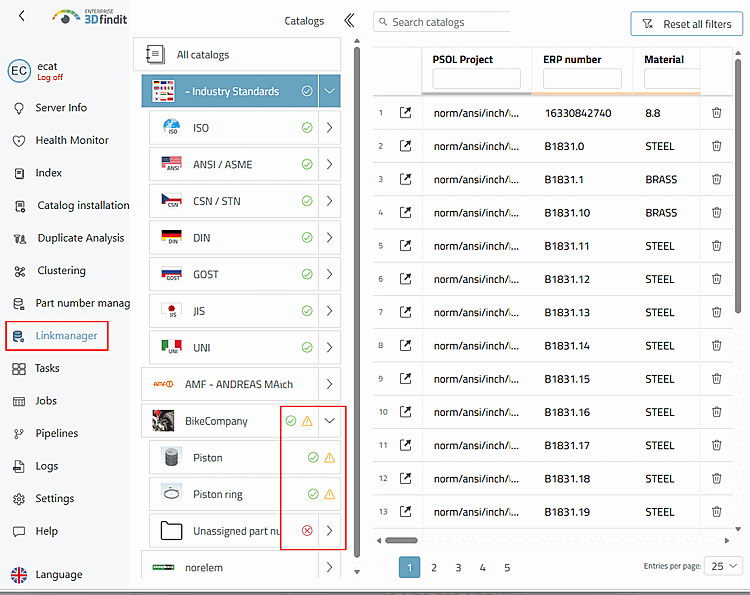
The PARTapplicationServer Dashboard now includes the new Link Manager section with the sub-function Update Manager.[13]
This is an initial basic version with a limited set of features. The Link Manager is designed to update cloud catalogs. The Update Manager processes both cloud catalogs and local catalogs.
![[Note]](https://webapi.partcommunity.com/service/help/latest/pages/jp/partwarehouse/doc/images/note.png)


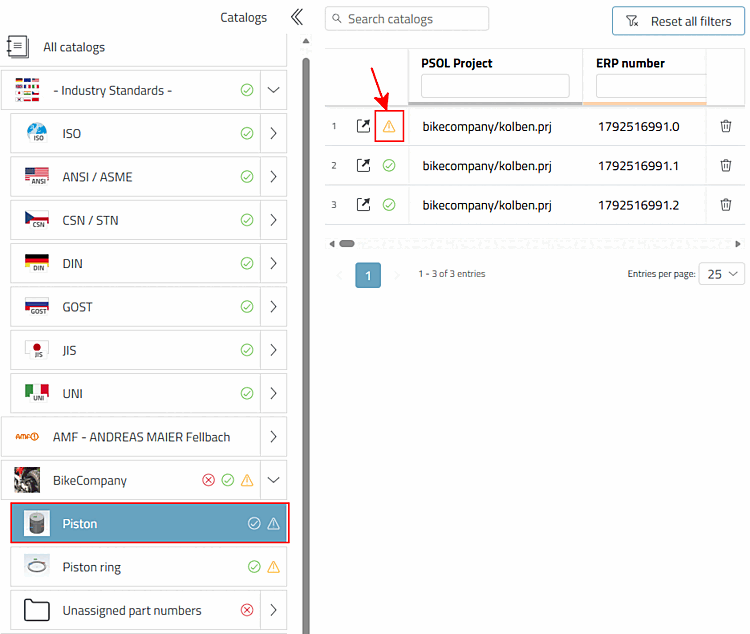
The part to be edited has been selected: Clicking the icon in the corresponding row opens the Update Manager.
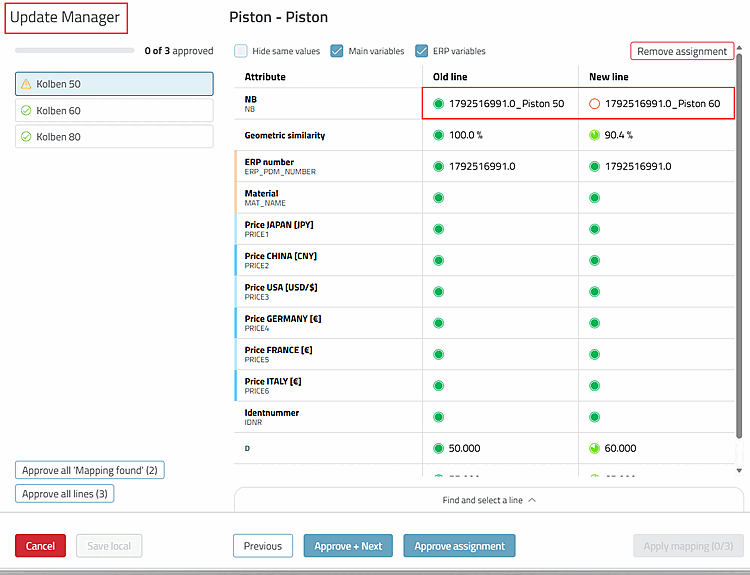
The Dashboard Update Manager is described in detail, using a local catalog as an example, in the chapter Section 5.17.3, “ Catalog Update with ERP Integration - Resolve Assignment Issues Using Update Manager (via Dashboard > Link Manager) ” in ENTERPRISE 3Dfindit (Professional) - Administration.