
 |
Standard case when using an ERP integration in PARTsolutions is adding an ERP number triggered from PARTdataManager via ERP toolbar and command Add dataset to link database . At the same time there is an export restriction [70] for parts which do not have an ERP number.
I.e. that parts without ERP number cannot be exported to the CAD directly from the Seamless environment by default.
As of V11 SP3 it's possible to call the dialog new ident-no. in Seamless when exporting in order to create an ERP number, if not yet happened.
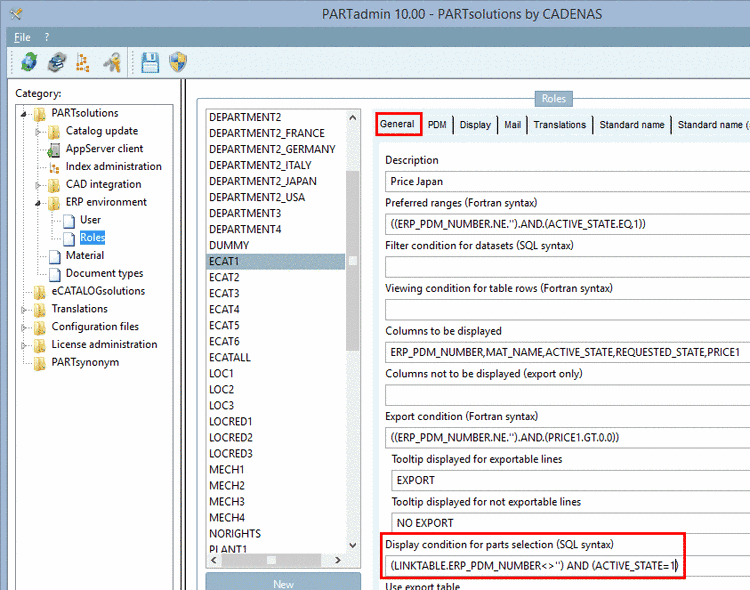
Hereto perform the following settings:
Decisive is, that under
plinkcommon.cfg-> block[Common]-> keyAPPNAMESthe valueSeamlessis entered.[Common] APPNAMES=PARTdataManager,PARTproject,PARTcreatorprint,Seamless
Under
erpcustom.cfg-> block[dialogOnExport]-> keydefaultset the value to 1.[dialogOnExport] default=1
Under
erpcustom.cfg-> block [LOAD] activate the keyerp_export_ts.[LOAD] ;Generate ERP on Export erp_export_ts=$CADENAS_SETUP/scripts/erp/erp_export_ts.vbb
Under
erpcustom.cfg-> block [ADDTODB] activate the keyerp_nrgenerator.[ADDTODB] #:HELP;default;Activation of the ERP Number Generator. erp_nrgenerator=$CADENAS_SETUP/scripts/erp/erp_nrgenerator.vbb
![[Note]](https://webapi.partcommunity.com/service/help/latest/pages/jp/partsolutions_user/doc/images/note.png) | Note |
|---|---|
The input fields can freely be designed, furthermore whether the ERP number shall be automatically generated or manually entered (see last point above). | |
More details on configuration can be found under Section 1.7.4.9.19.2, “Seamless: Enter ERP number during export ” in PARTsolutions - Administration Manual.