

You can register in
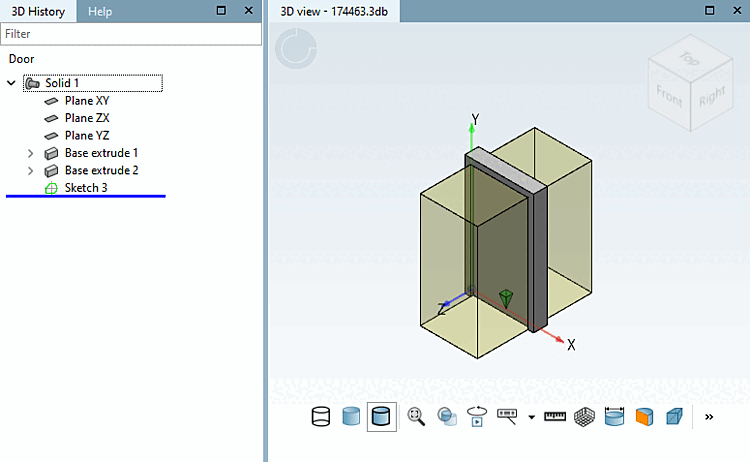
the 3D view of the PARTdesigner for assemblies that
Display auxiliary geometries. For individual components, this function was
already possible in the past. The interference chamber must first be connected via the
Function classification can be created. Click
In the 3D view, you click the Show Auxiliary Geometry [Show auxiliary geometry] button.
Further information on this can be found in the chapter Section 5.12.3.6.7, “Visualisation of diverse auxiliary geometry (spaces) generated from classification data” in eCATALOG 3Dfindit.