

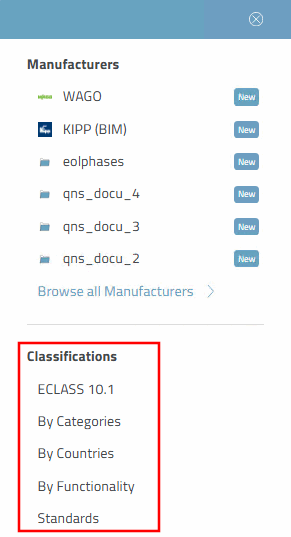
Would you like to select a classification that you can then use to search?
By clicking on
icon  the corresponding menu area opens.

Click on the desired classification.
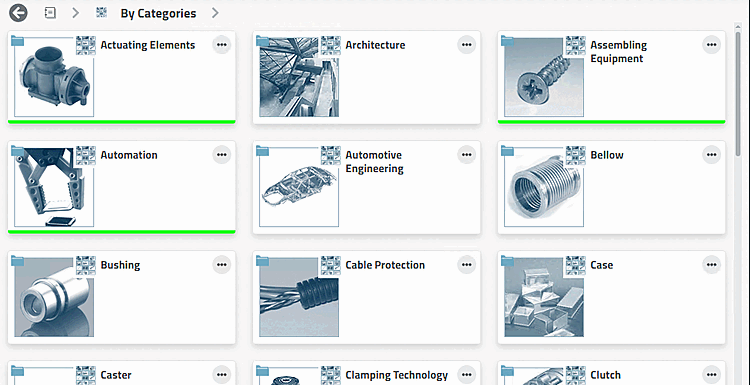
Find the desired product using category filters such as system construction, architecture, control panel, etc.
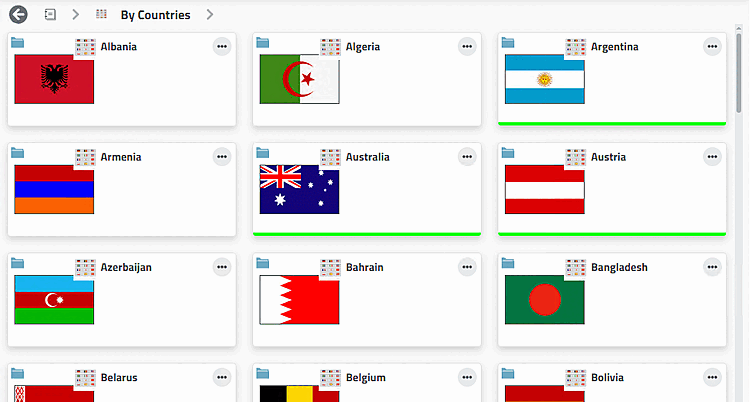
Classification according to countries, where a company sells its products or has subsidiaries.
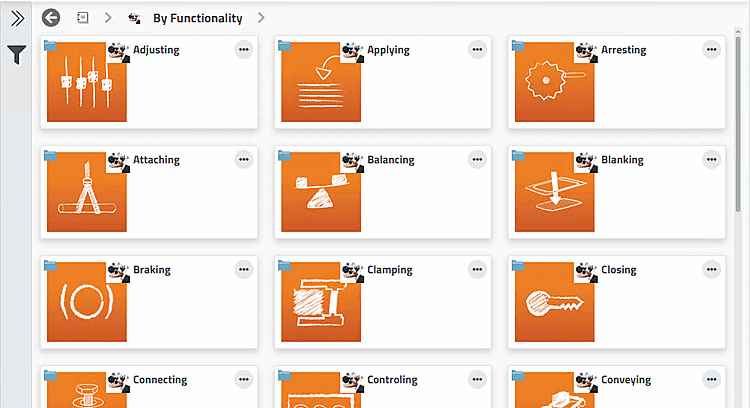
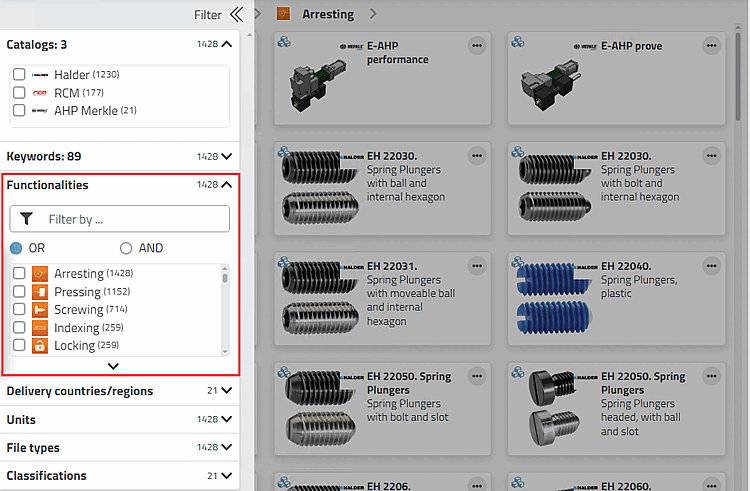
Classification according to functionality like Polling, Attaching, Arresting, etc.
Parts may be classified according to several functionalities.
For example, if you selected "Lock" under By Functionality in the first step, you can then select additional filters such as Screwing, Positioning, etc. in the Filter > Functionalities dialog area.
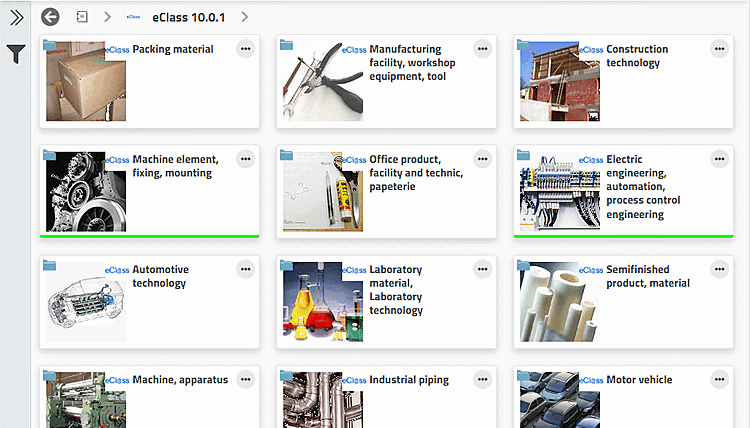
(All installed ECLASS versions are displayed).
Inter-industry standard with unique marking. A large part of traded goods and services is mapped in ECLASS.
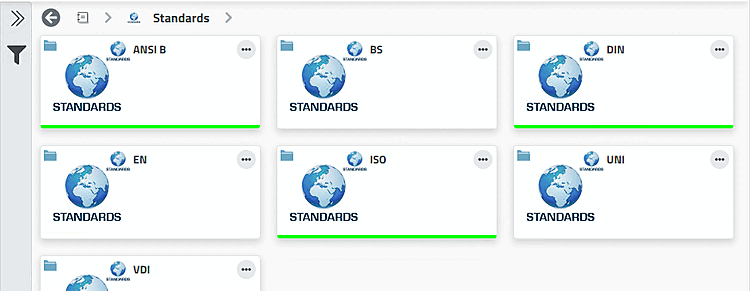
Filter for standard parts. Standard parts are marked with a respective icon
 on part level.
![[Tip]](https://webapi.partcommunity.com/service/help/latest/pages/jp/partsolutions_user/doc/images/tip.png)