

When renaming or moving a project in PARTproject, you should make sure that the option Adjust links in assemblies [Adapt links in assemblies] is activated and that the assembly path is entered correctly.
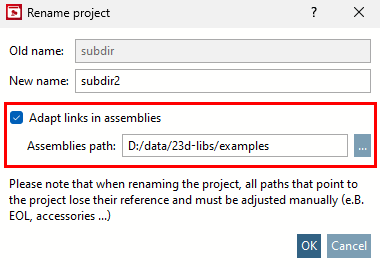
If this has been forgotten, the module can no longer be loaded without errors.
Error messages appear when opening.
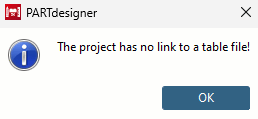
A more detailed message is then displayed:
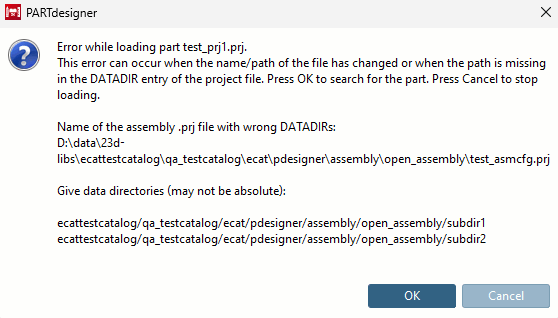
If you confirm the error messages with , a manual correction option is then offered in an Explorer window.
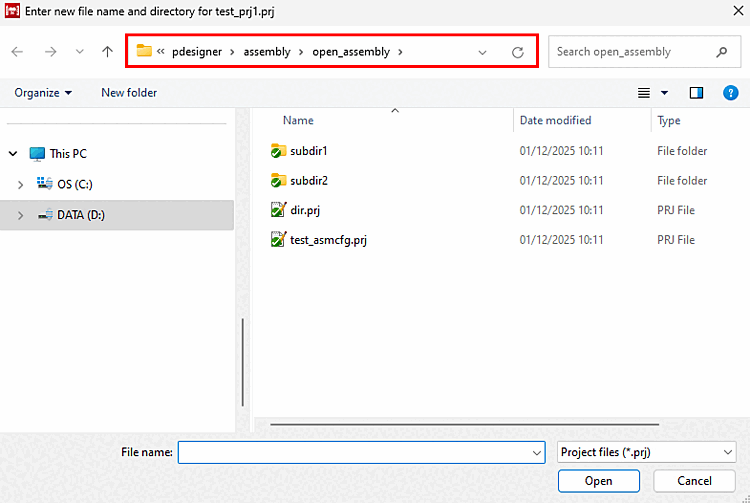
Search for and select the project files not found in the directory structure and then click .
For detailed information, see Section 5.8.2.2.8, “Correct incorrect project assembly paths manually ” in eCATALOG 3Dfindit.