
 |
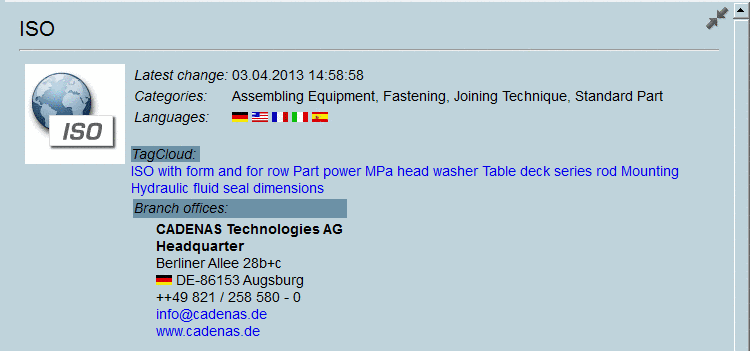
Display catalog and project data directly in the part selection on directory and project level at the bottom right.[71]
The info panel can be customized and may also contain additional information.
See the following exemplary images:
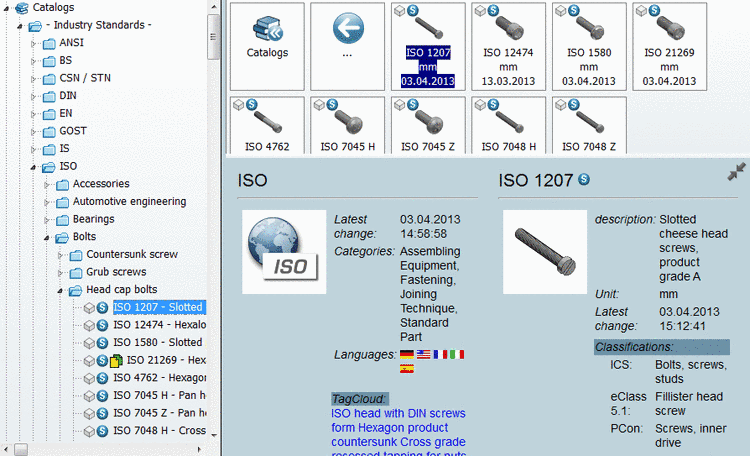
The project information also shows the classification. Scroll down in order to be able to read all information.
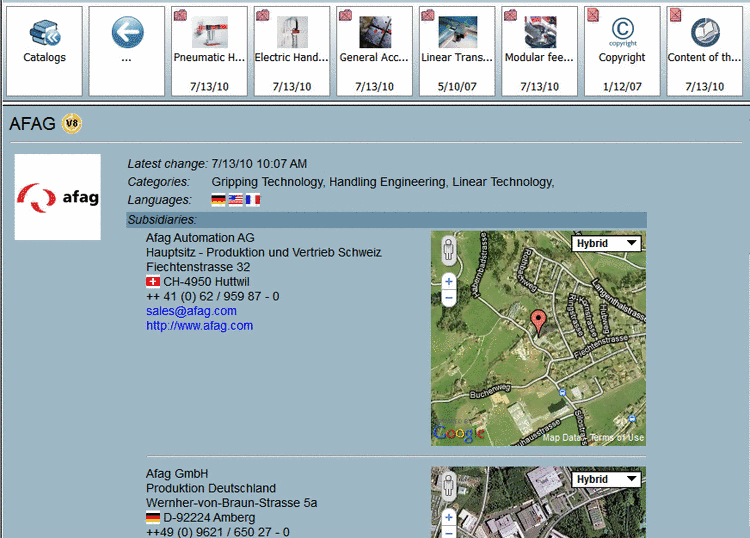
Further additional information at project level
The AFAG catalog for example, shows the addresses of the subsidiaries together with a map.
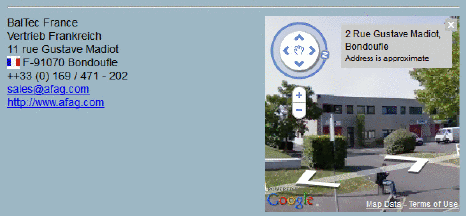
In case available, you can switch from the map to Google StreetView.
The views are HTML pages that were created with a template. With some effort the templates can be customized or adjusted for an offline CD.
[71] In V8.1 the part properties had been displayed in the context menu of directory and project under "properties". Under PARTdataManager -> Preferences... menu -> Part selection -> Show details window (see Section 3.3.9, “ "Part selection" tabbed page ” in PARTsolutions - User manual) you can switch on/off the feature.