

In PARTdesigner, you can switch the active history when editing a part so that the 3D view only displays the part up to the history element that you are currently editing.
Use the new setting Switch to specific calculation status when editing [Switch to the specific calculation status when editing], which can be found under Extras > Settings... > PARTdesigner > General.
![PARTdesigner settings [Settings]](https://webapi.partcommunity.com/service/help/latest/pages/jp/partsolutions_user/doc/resources/img/img_43c00e1650884b618e13c3a097d6c840.png)
If you have activated the setting, the component is only displayed in the 3D view up to the history element that you are currently editing. If you close the window, the entire history is displayed again.
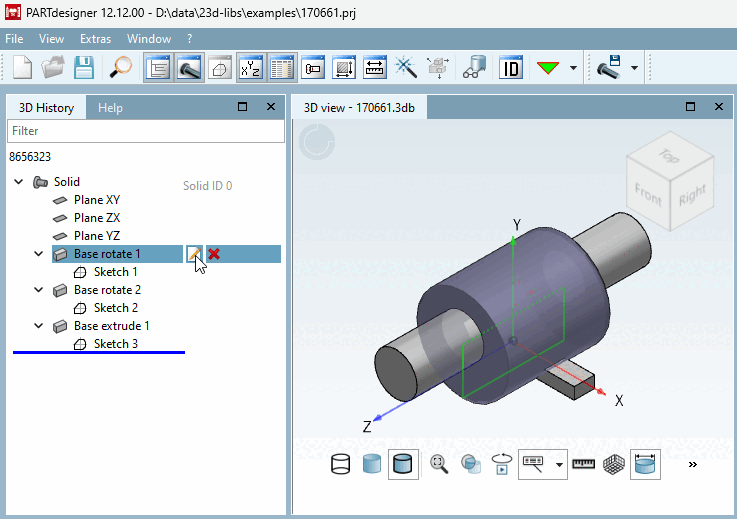
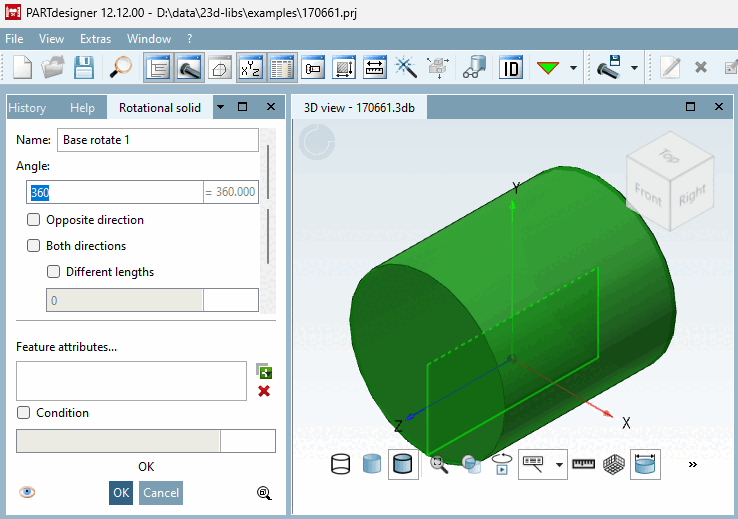
If the
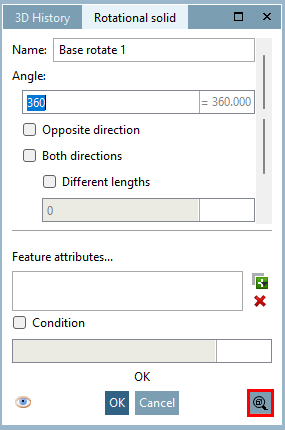
setting is not set, you can edit a history item
also manually click on the button  component only up to this
Calculate element [Calculate component only up to this element].
component only up to this
Calculate element [Calculate component only up to this element].
Further information on this can be found in the chapter Section 7.6.2.17, “Display specific calculation status ” in eCATALOG 3Dfindit.