![[Note]](https://webapi.partcommunity.com/service/help/latest/pages/jp/partsolutions_user/doc/images/note.png)
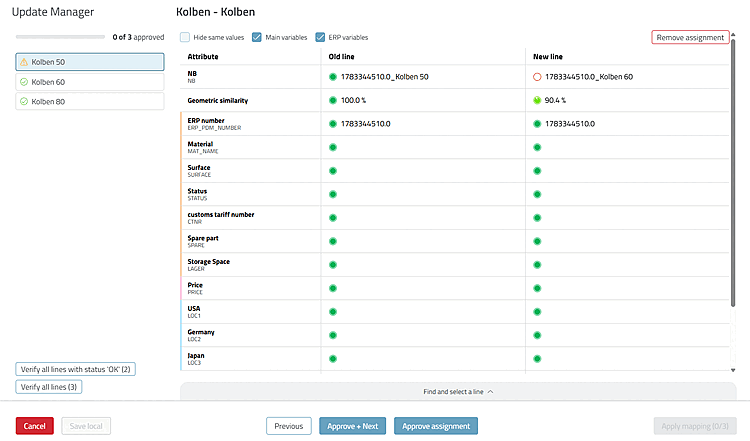
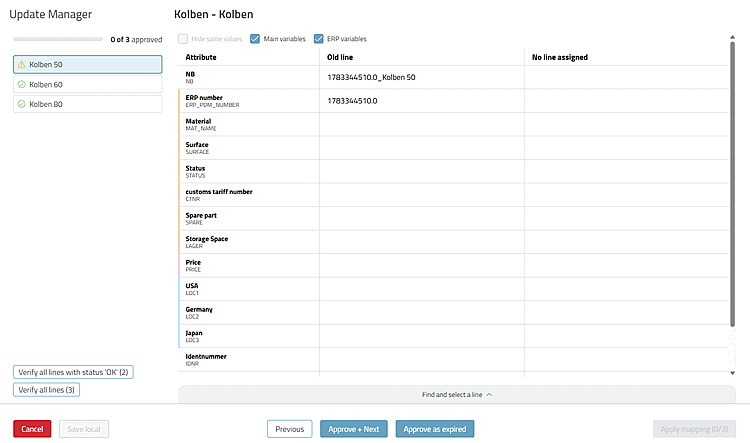
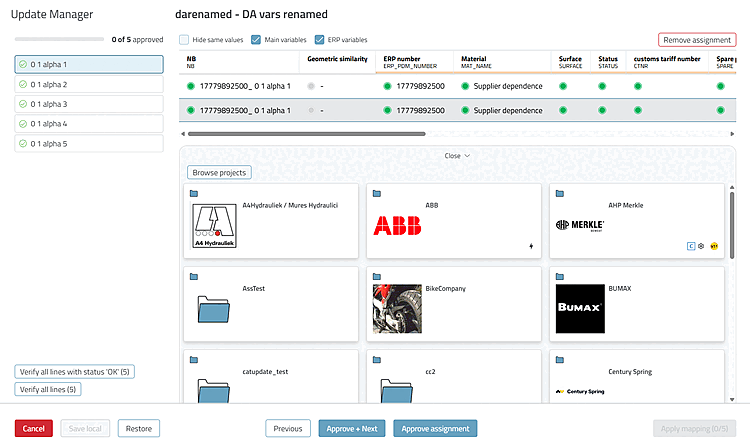
The interface of the Update Manager has been redesigned. It now guides you through the check line by line: You confirm or modify the mapping for each project line and do not apply the mapping with " until all lines have been processed.[14]
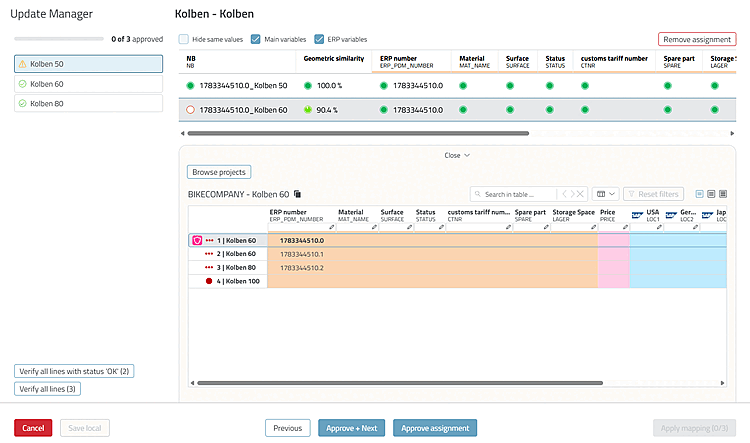
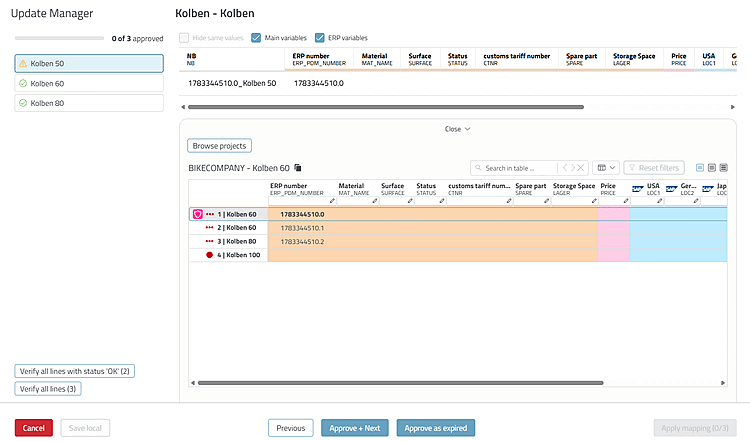
The main view is the comparison view, which compares the old and new rows attribute by attribute . In the selection view, you can select a different row, even from a different project. You can save your progress locally and continue later. For details on operation and configuration, see the issue.
Described in detail in the chapter Section 5.17.3, “ Catalog Update with ERP Integration - Resolve Assignment Issues Using Update Manager (via Dashboard > Link Manager) ” in ENTERPRISE 3Dfindit (Professional) - Administration.