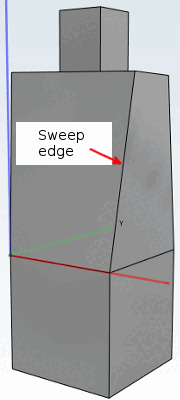
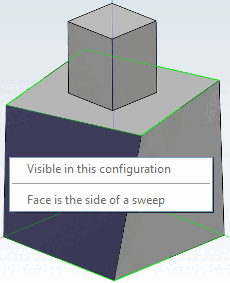
Surface selection: Blends are only permitted if a non-sweep surface is selected. If the surface itself has neighboring surfaces that are sweeps, the blend feature works. Any other combination is not supported. So even if ONE of the selected surfaces is a sweep surface, the blend will fail (see Fig. „Sweep face cannot be blended“).
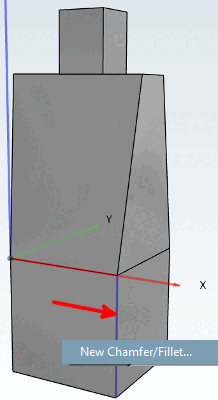
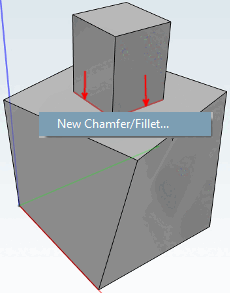
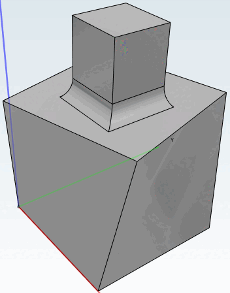
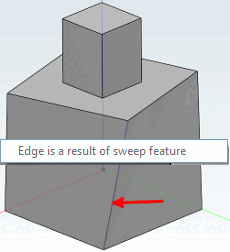
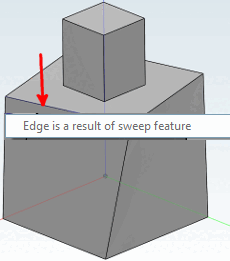
Edge selection: The user may not select any edges as soon as ONE of the neighboring faces is the side face of a sweep (see Fig. „Edge between two sweep faces cannot be blended“ and Fig. „Edge between sweep and regular face cannot be blended“). Adjacent edges to the front or back of a sweep are permitted (see Fig. „Blend on front face of sweep (selection)“ and Fig. „Blend on front face of sweep (result)“).
Surface section: As soon as ONE of the selected surfaces is a sweep surface, the blend is not supported.
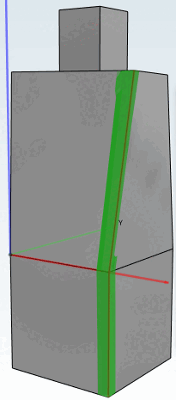
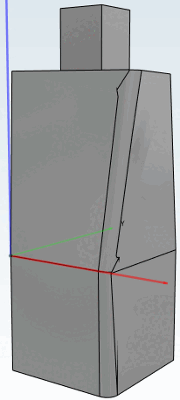
Tangential continuation: If an edge is to be continued tangentially and the resulting edge is in contact with the surfaces of a sweep, the blend will fail (see Fig. „Sweep edge blended due to tangent continuous“). No error message appears, but the component will fail during export, depending on the CAD system.