5.17.4.
Catalog Update with ERP Integration - Cloud Catalogs
Enable and Update (via Dashboard) 5.17.4.3. Start an
cloud catalog update |  |
| Prev | Next |
Is for a
Cloud Catalog when a new version is available, this will be displayed in the dashboard in the Link Manager . Cloud Catalogs
are on a cloud icon in the link manager
 recognizable by the catalog folder.
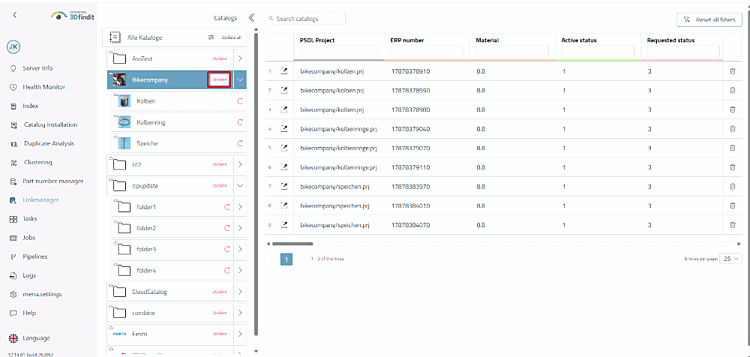
Click " " next to the relevant catalog. The button appears as soon as a new version of the catalog is available on the cloud server.
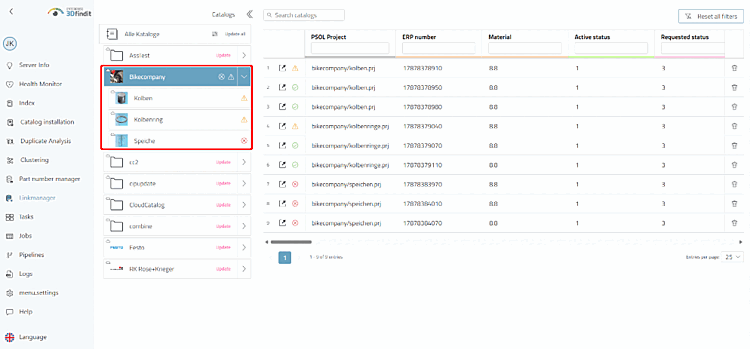
Check the status symbols on the catalog:
 assignment
found [Mapping found],
 assignment must be verified
or [Mapping needs verification]
 product has not been
. [Product not found]