

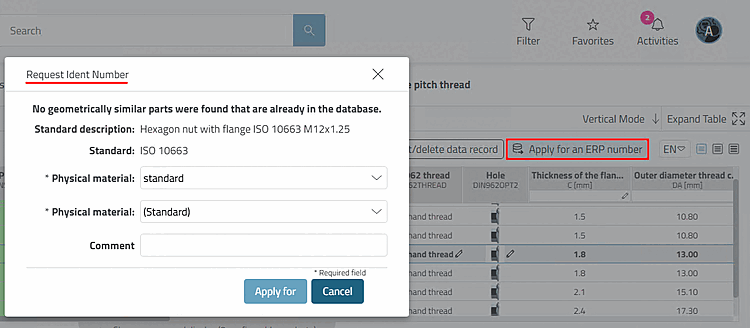
Clicking the "Request an ERP Number [Apply for an ERP number] " button opens the "Request Ident Number" dialog box.[1]
Via
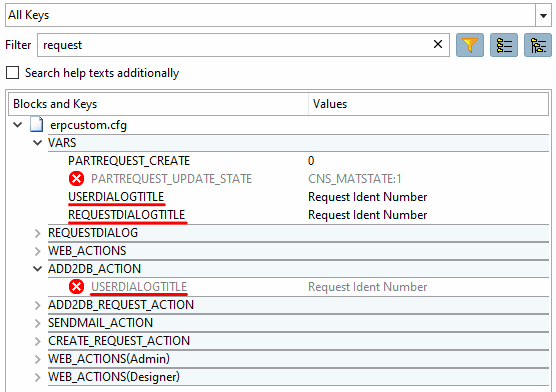
Configuration file erpcustom.cfg > block VARS >
Key REQUESTDIALOGTITLE you can enter the title
of the dialog box. If necessary, insert the key
himself.
For more details, see " Section 5.23.8.2.3, “Request with attachment in the Part Number Manager plus LinkDB entry ” in ENTERPRISE 3Dfindit (Professional) - Administration.