

 circle by center and
Tangential element [Circle through center point and tangential element]: Create a circle based on two
References.
circle by center and
Tangential element [Circle through center point and tangential element]: Create a circle based on two
References.
![[Note]](https://webapi.partcommunity.com/service/help/latest/pages/jp/ecatalogsolutions/doc/images/note.png) | Note |
|---|---|
This feature is only officially available for future versions and is only an internal test version with V12.13 and is therefore hidden in the standard version. | |
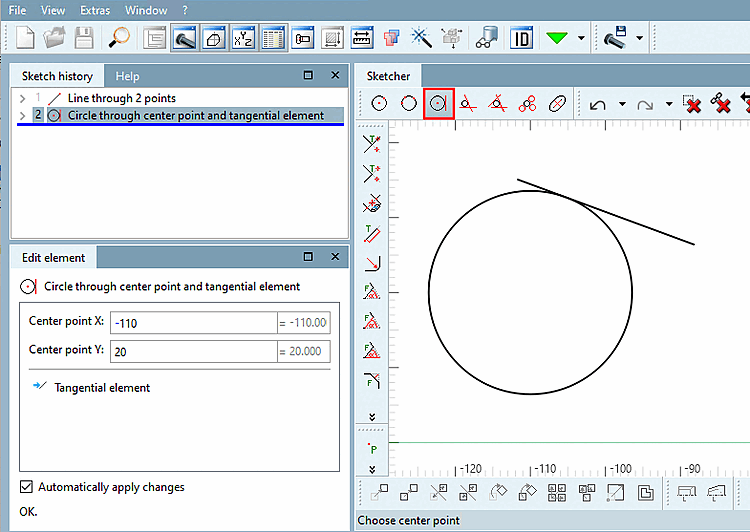
To create a circle by determining a center point and a tangential element, proceed as follows:
Select Circle through center and Tangential element [Circle through center point and tangential element] in the toolbar.
Select the center point of the circle to be created.
You can click on an existing point on an element or create a formula point.
Determine the tangential element with the second click.
You can click on an existing point on an element or create a formula point.
If necessary, adjust the values in the Edit element docking window.