

 circle by 3
Points [Circle through 3 points]: Determine a circle by three points
(free points, end points of a line, center of a circle,
etc.)
circle by 3
Points [Circle through 3 points]: Determine a circle by three points
(free points, end points of a line, center of a circle,
etc.)
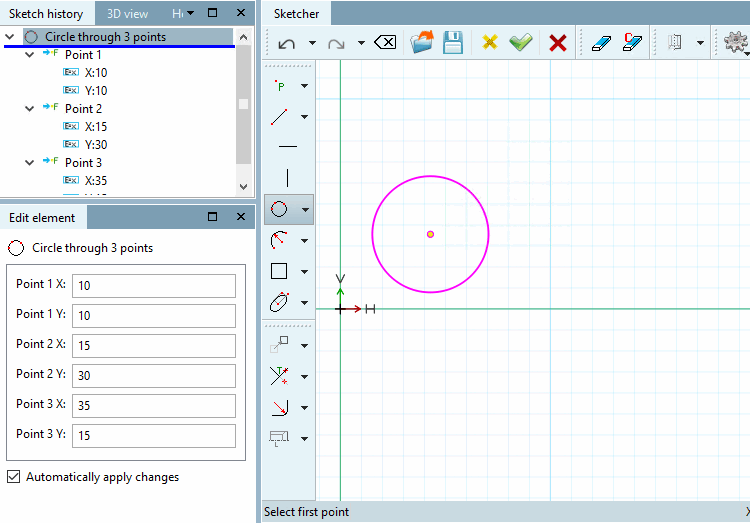
circle by 3
Points [Circle through 3 points]: Determine a circle by three points
(free points, end points of a line, center of a circle,
etc.)