
1.7.5.15.4.
Block [PARTdataManager] - Global settings
for PARTdataManager 1.7.5.15.4.19.
"TABBAR_ORDERABLE" and
"TABBAR_ORDER" keys—tabs: Allow drag-and-drop and set order |  |
| Prev | Next |
Use these two keys to set the order of the content tabs in PARTdataManager.
 | Note |
|---|---|
Please note: This only determines the order, not the visibility. Other keys may also play a role. | |
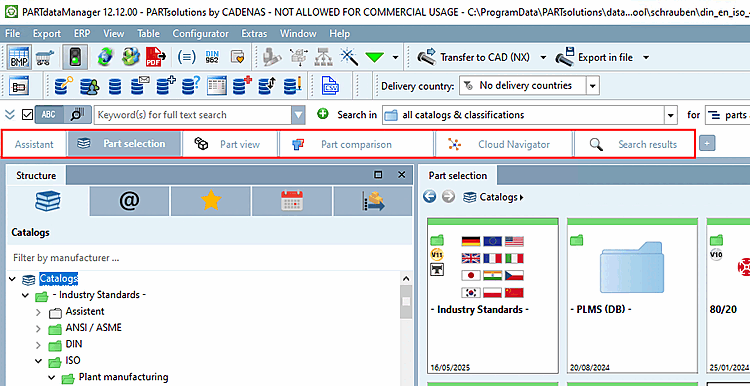
The user can change the order using drag & drop.
When PARTdataManager is closed, the order specified by the user is saved in the user directory.
The first time the program is started (there is no user directory yet), the order specified under TABBAR_ORDER is used.
Drag & drop is not possible. This is a prerequisite for the TABBAR_ORDER key to take effect permanently.