
 |
Within the section view you can optimally realize differences between parts.
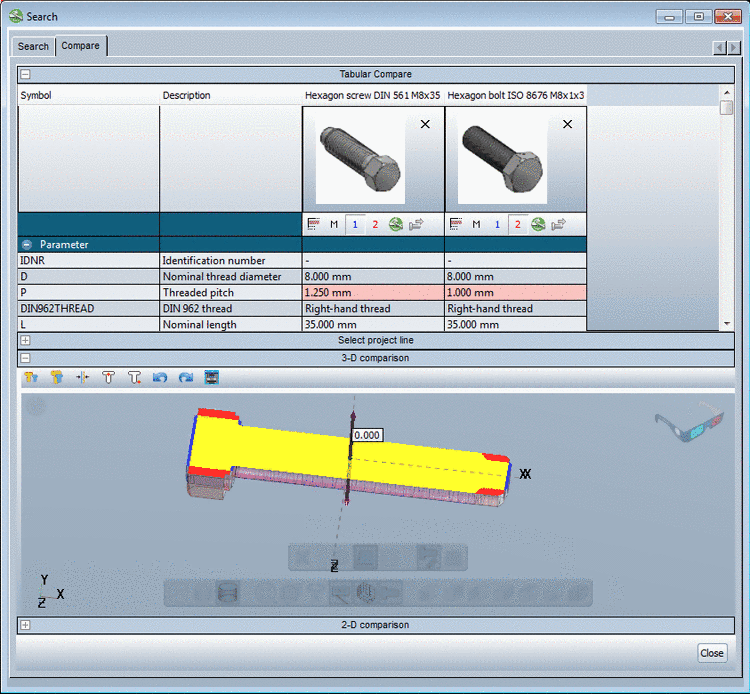
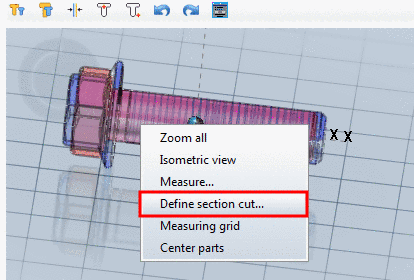
In the 3D view call up the context menu command Define section cut....
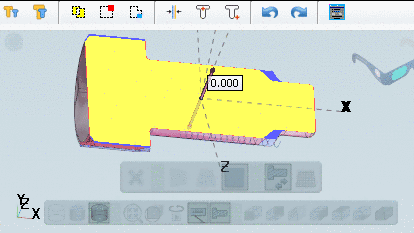
The section view appears and the respective toolbar is displayed.

| Close: The "Cut view" mode is finished, the toolbar hidden. |

| YZ plane |

| XZ plane |

| XY plane |

| Reverse cut view |

| Display plane |
In order to move the sectional plane, to define the offset value you have the following options: