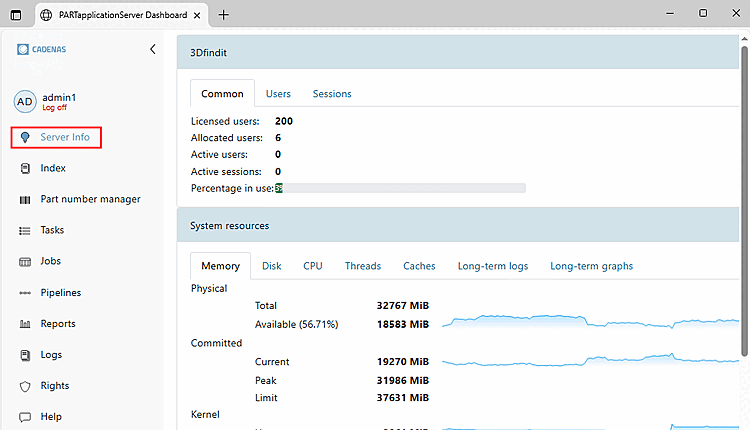
Under "Server Info," you'll find a variety of
subcategories, organized on tabbed pages. Below are a few
examples:
3Dfindit
System Resources
Storage
Disk
CPU
Threads
Caches
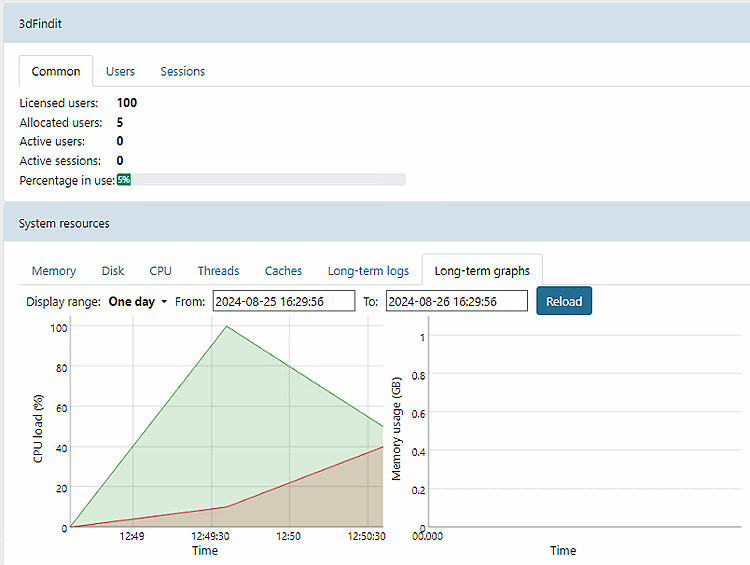
Long-term values
Long-Term Graph
pappserver.cfg
[ManagementModule]
EnableInterceptor=true
EnablePerfLogToDB=true
Wenn Sie Auswertungen sehen möchten, die in der Vergangenheit
liegen, müssen diese in der Datenbank abgelegt werden. Setzen Sie
hierzu den Schlüssel EnablePerfLogToDB auf
"true".
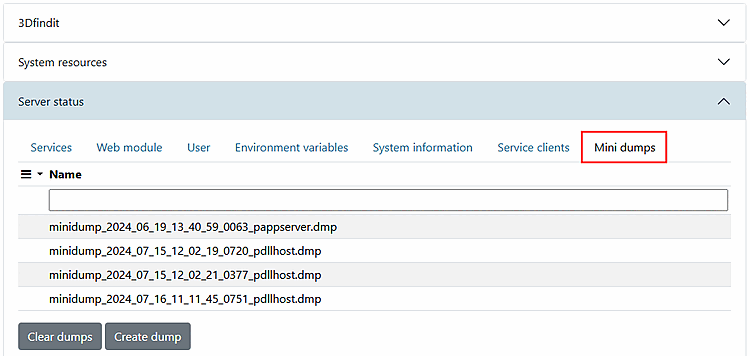
Server Status
Services
Web Modules
User
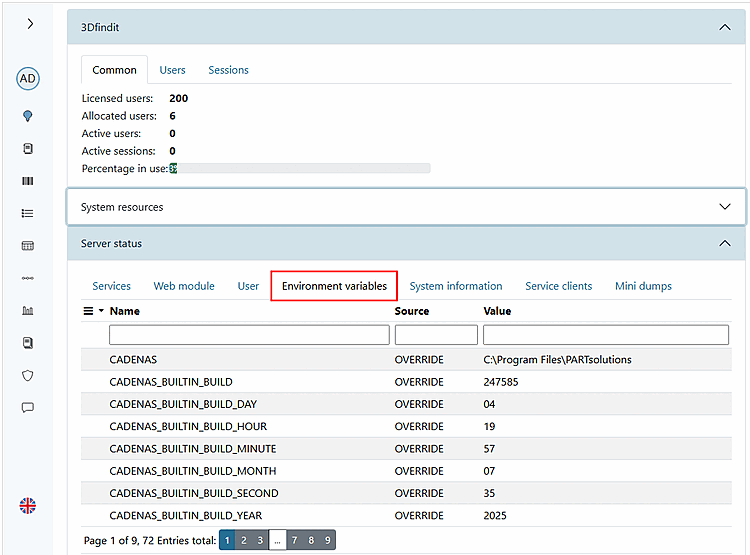
Environment Variables: All environment variables
on the server are displayed, such as CADENAS_DATA or CADENAS_LICENSE.
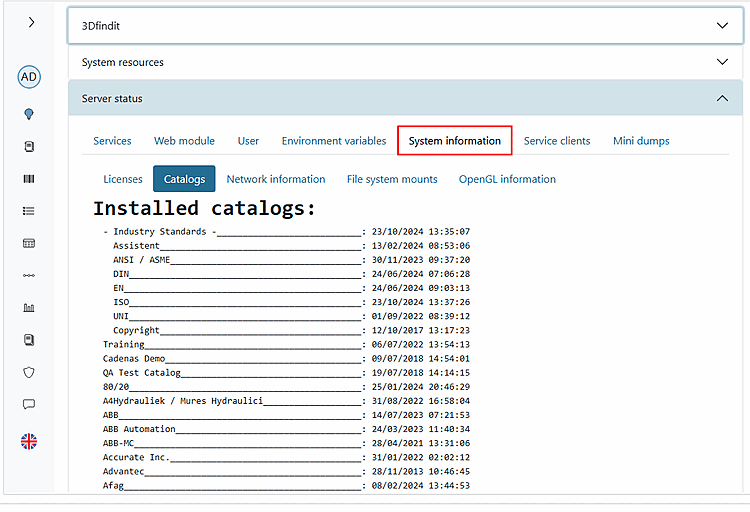
System Information: On the
Tabbed page for System Information, you'll find
subsections on licenses, catalogs, network information, file
system mounts, and OpenGL information.
Service Clients
Mini-dumps: Mini-dumps from the
PARTapplicationServer
![[Note]](https://webapi.partcommunity.com/service/help/latest/pages/jp/partwarehouse/doc/images/note.png) | Note |
|---|
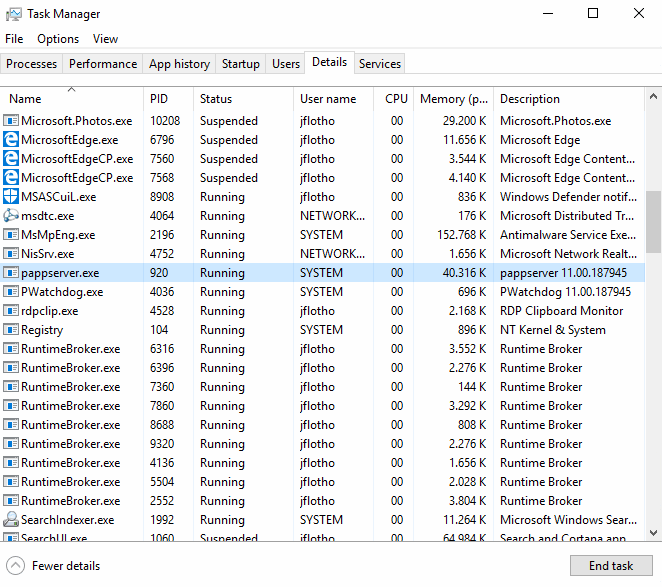
If necessary,
check the processes on the server. Each
client that accesses the system creates a process on the PARTapplicationServer.
|