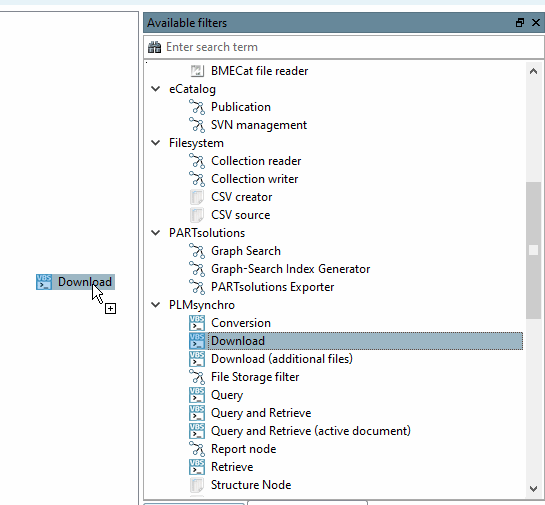
Available filters/nodes are used to create a pipeline.
Some of these do not require configuration, but most do.
The nodes are dragged and dropped into the pipeline area.
To connect two nodes, hold down the right mouse button and drag from one node to the other.
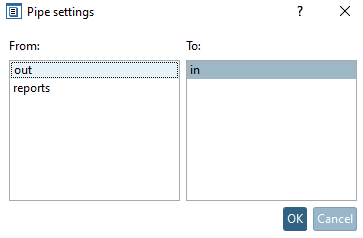
-> The Pipe settings dialog box opens, where the outgoing and incoming nodes can be specified.