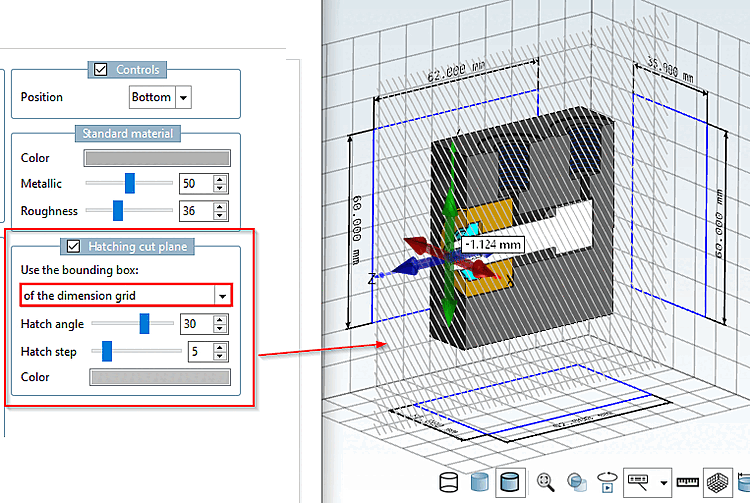
In the 3D view, no grid was displayed in cut mode until now.
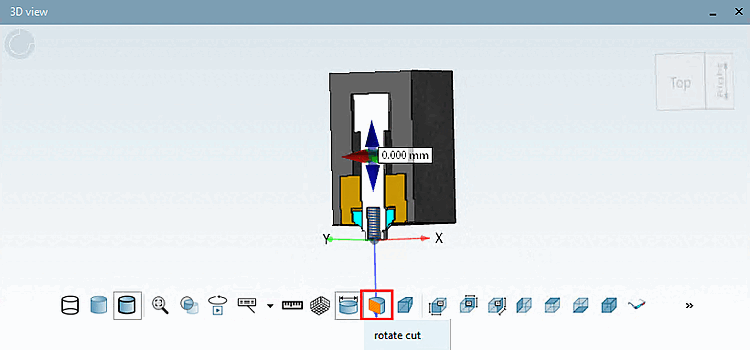
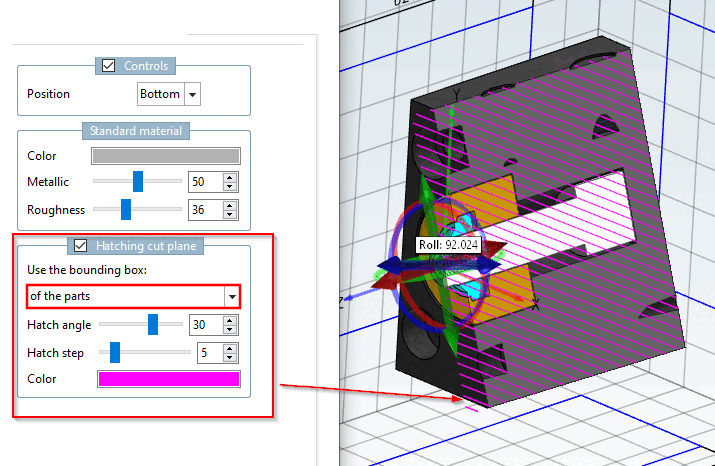
With V12.14, the cut plane can now also be displayed with hatching.
In the PARTdesigner settings dialog, you can make specific adjustments .
![PARTdesigner > Tools [Extras] Menu > Settings... > 3D Settings [3D settings] > Hatching Cut Plane [Hatching cut plane]](https://webapi.partcommunity.com/service/help/latest/pages/jp/partwarehouse/doc/resources/img/img_6e933da1253f4a62b4ec9f63231cf1e6.png)
PARTdesigner > Tools [Extras] Menu > Settings... > 3D Settings [3D settings] > Hatching Cut Plane [Hatching cut plane]