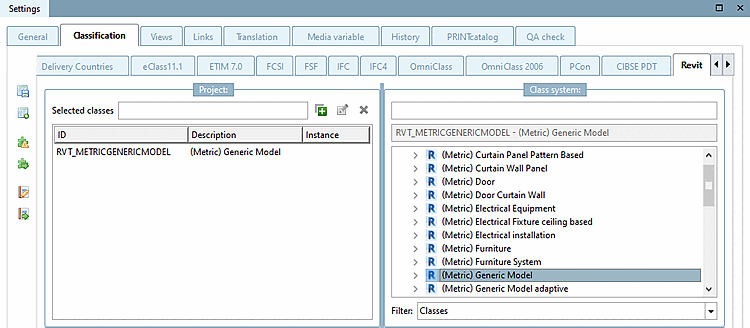
The connection point needs to point into the direction of a Revit reference plane (orientation of the Z-Axis). The exact placement (intersection of 3 reference planes in the Revit Family Template) is defined in the interface configuration.
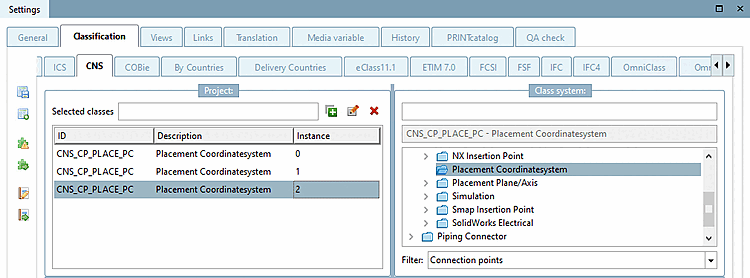
To be able to place a component / assembly in Revit, an eCATALOG 3Dfindit connection point with the corresponding orientation must be created in the project geometry at a specific position in the family and published via CNS Classification -> Class Placement Coordinate System (CNS_CP). See Section 3.5.4.2.2.4, “Classify placement connection point”.
In the case of geometrical variants the connection point must always hold a fixed position / orientation.
In the case of independent 3db files (for different LOG variants), the connection point has always to be at the identical, logical position within the geometry / the assembly.
For assemblies it is important that the part which contains the placement connection point is always available.
For assemblies, the placement connection point must not be in the "dummy start part", as this is not normally exported to CAD ( Part properties -> Do not export [No export] dialog) and is therefore not available for the assembly.
It is only allowed to assign ONE family template per eCATALOG3Dfindit project and only ONE placement point per 3DB (in case of changing 3dbs in a project)
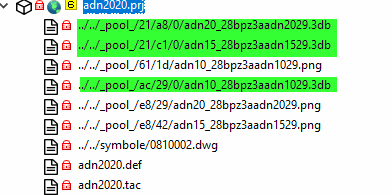
If multiple 3db files have to be assigned to a project, please make sure that there are not more "CNS_CP" assignments than 3db files.