
 |
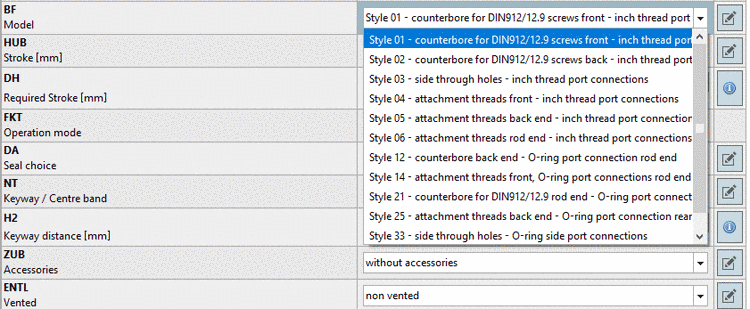
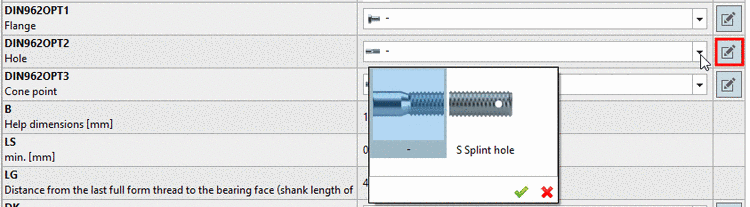
As an alternative to view type Table, specifying the characteristic can be performed in the new view type Vertical.
Using the view type Vertical enables part specification in only a few steps.
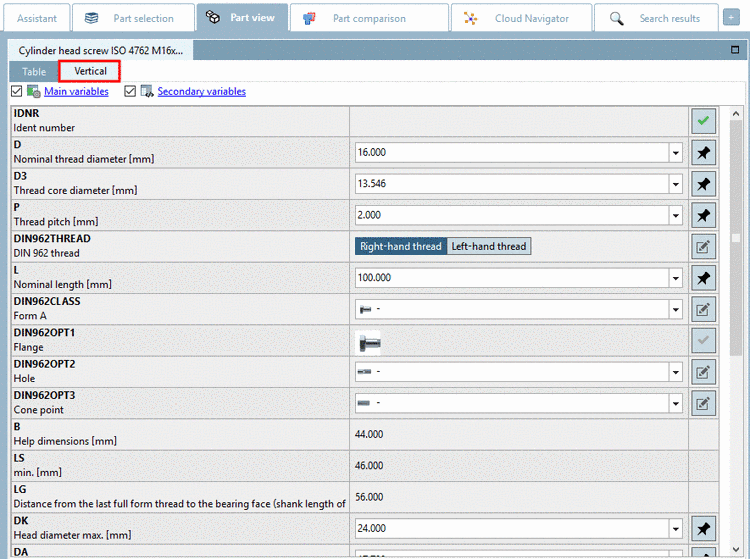
The vertical view shows the following columns:
The following table explains the different symbols:


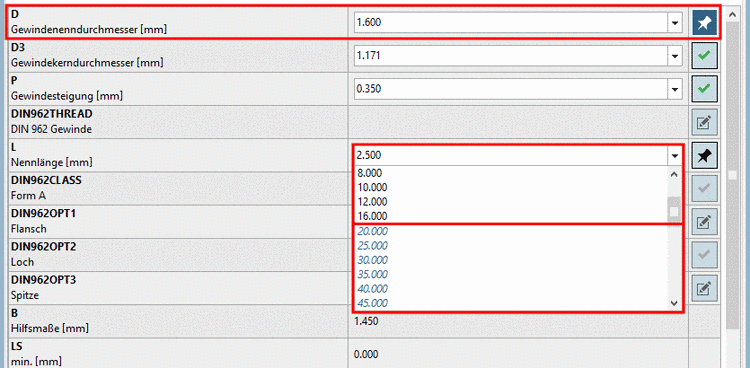
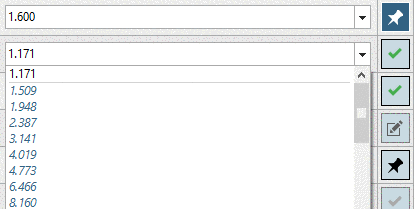
![[Note]](https://webapi.partcommunity.com/service/help/latest/pages/jp/partwarehouse/doc/images/note.png)

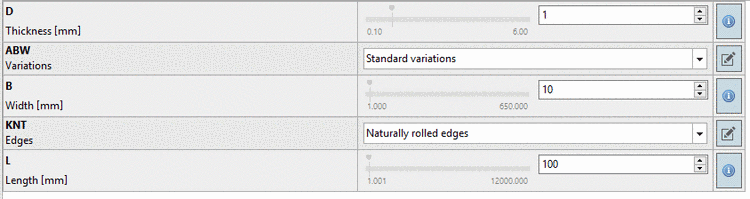
If ERP integration is used the ERP status icons are displayed in addition and serve the orientation at part selection.
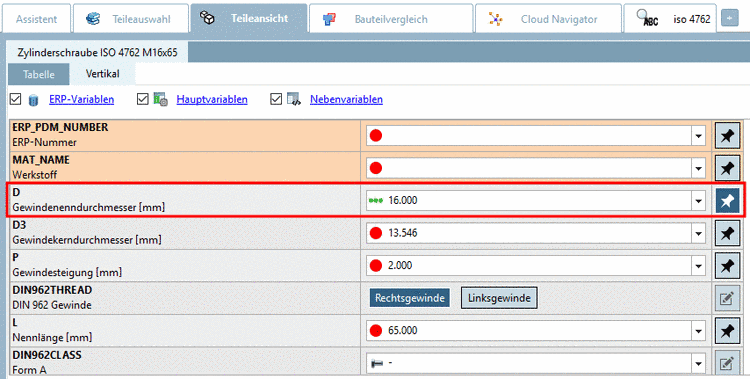
More details and an example on the type Vertical can be found under Section 3.1.7.2, “Determine characteristic in "Vertical" view ” in PARTsolutions - User manual.