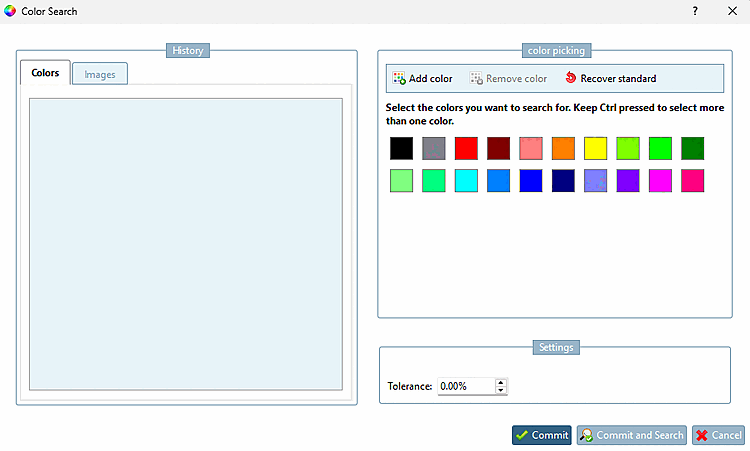
You will find the following setting options on the Color search [Color Search] tab page:
![Settings dialog page → "Colour search [Color Search]" Tabbed page](https://webapi.partcommunity.com/service/help/latest/pages/jp/partwarehouse/doc/resources/img/img_319ea72db1214356874d87d9bf31147e.png)
Number of colors which are selected by default
You can see the result under Search dialog page → Search tabbed page → Colour [Color] tabbed page.
Four colors have been selected according to the default settings. You can adjust the default for each search in the "Color search [Color Search] " dialog if required. Or you can select the "Use entire image for search [Use whole image for search] " option.
Number of entries in [Number of entries in search history] the search history:
![Four colors have been selected according to the default settings. You can adjust the default for each search in the "Color search [Color Search] " dialog if required. Or you can select the "Use entire image for search [Use whole image for search] " option.](https://webapi.partcommunity.com/service/help/latest/pages/jp/partwarehouse/doc/resources/img/img_331a3be57336474094f00e94ba75c2cf.png)