

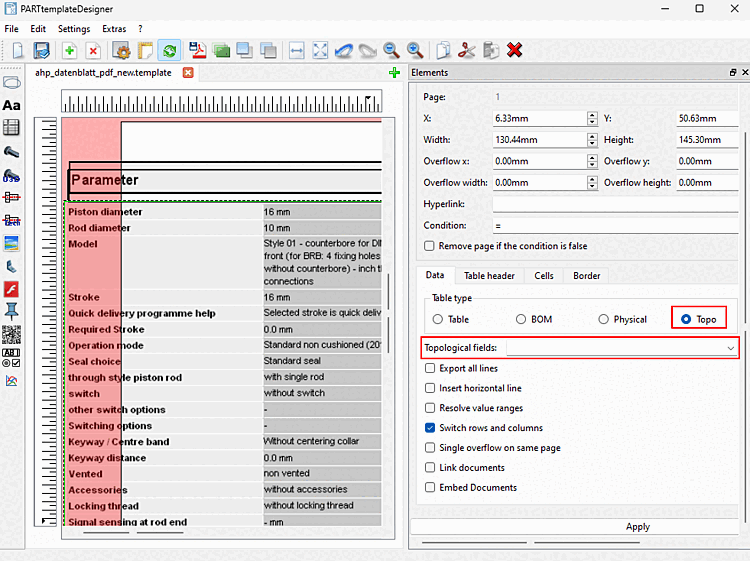
Topology values of a component can now also be added to a table in the PARTtemplateDesigner.
To do this, select the Topo table type [Table type] in the Data tab and add the desired values using the drop-down menu.
Further information on the PARTtemplateDesigner can be found in chapter Chapter 8, PARTtemplateDesigner - Create data sheets in eCATALOG 3Dfindit.