会社案内及び グループ企業の案内等
部品メーカー向け次世代型3Dビジュアル検索エンジン
製品及びソリューションのサポートページへはこちらから
無料で3D CADモデルを3Dfinditからダウンロード
製品・サービスについてのお問合せは こちらから
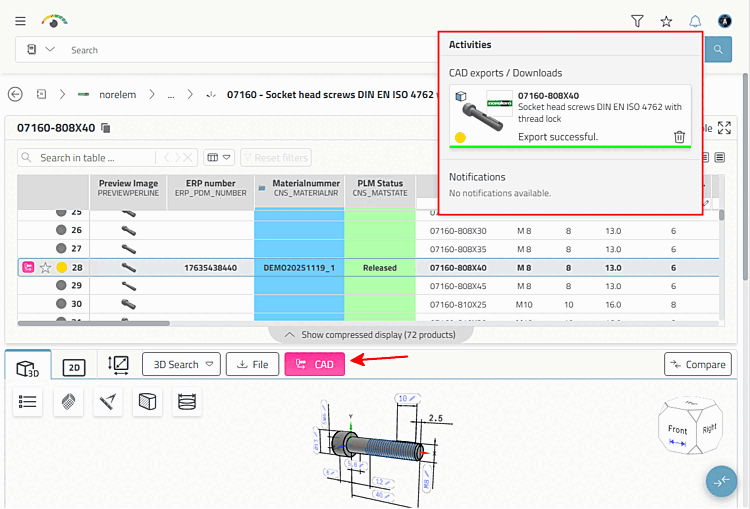
Click on the CAD button.
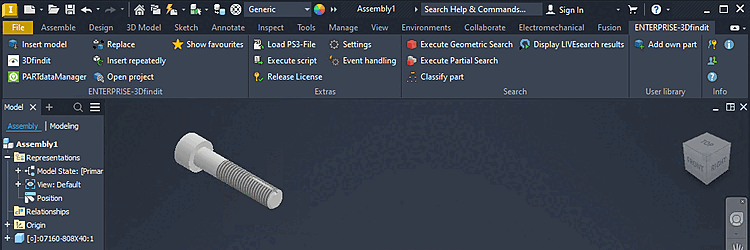
→ The component is transferred to the CAD system.
→ You will receive a corresponding notification in the Activities dialog.
→ The component is generated in CAD.