Make sure that feature algorithms do not contain do not.
For quick testing in the table, call up the function Show variable dependencies
 function in the table. Simple dependencies are fine. These are represented by a simple arrow. Recursive dependencies are errors. These are represented by a double arrow. Errors are displayed both in the message window and later during testing in the QA check dialog box.
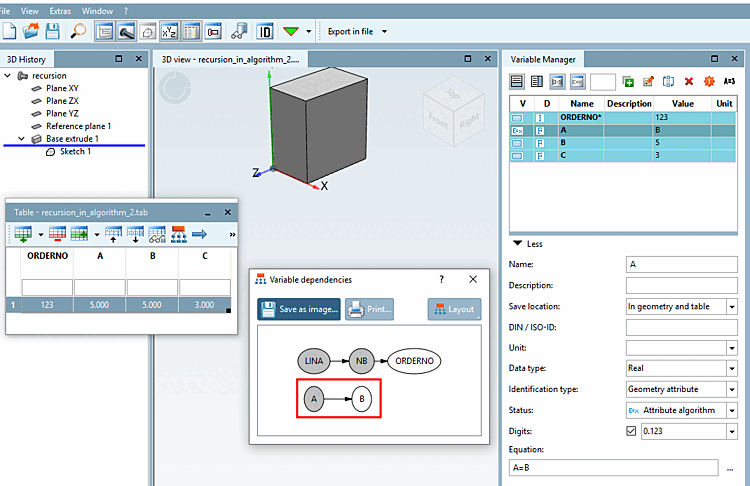
The following exemplary figure shows simple dependency between A and B.
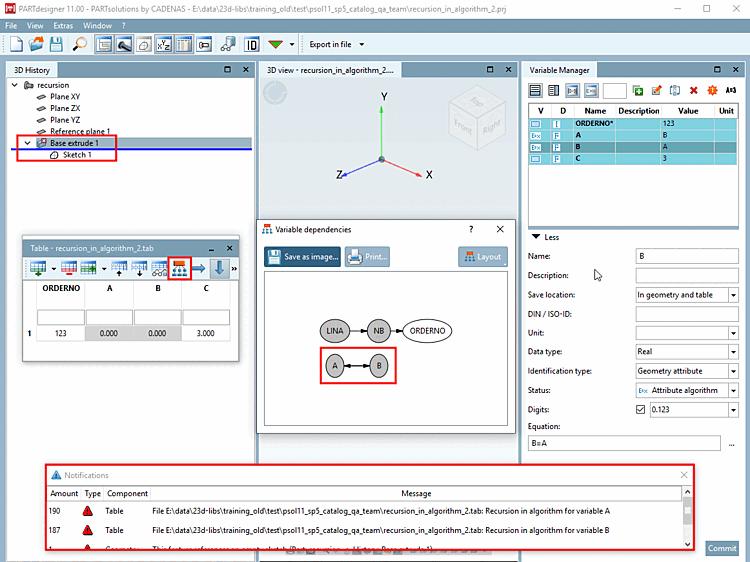
The following example illustration shows a recursive dependency. The variable manager shows A=B and B=A. In the Variable structure [Variable dependencies] dialog box, you can see a double arrow between A and B. In the 3D history [3D History] of affected elements a red cross
 the Notifications dialog box shows the error and the 3D view shows no model.
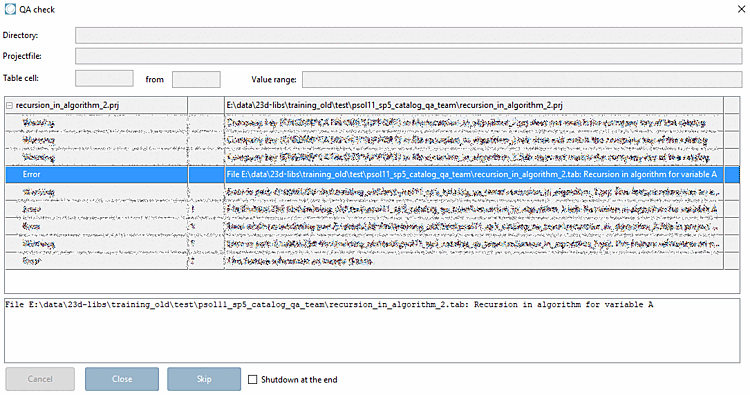
The following error message appears in the QA check dialog box