|
As of V11 SP9 you
can adjust the column width in the characteristic attribute table of
PARTdataManager or
PARTdesigner. For this,
lead the mouse over the border between two columns so that the drag point
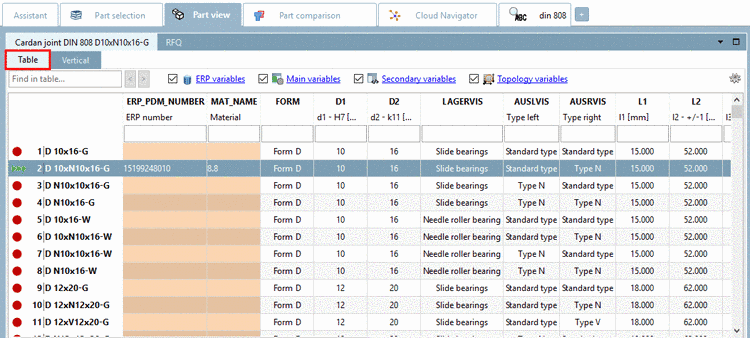 appears. Then set the desired size. After a change of
part or executing a search the default size is displayed again.
appears. Then set the desired size. After a change of
part or executing a search the default size is displayed again.
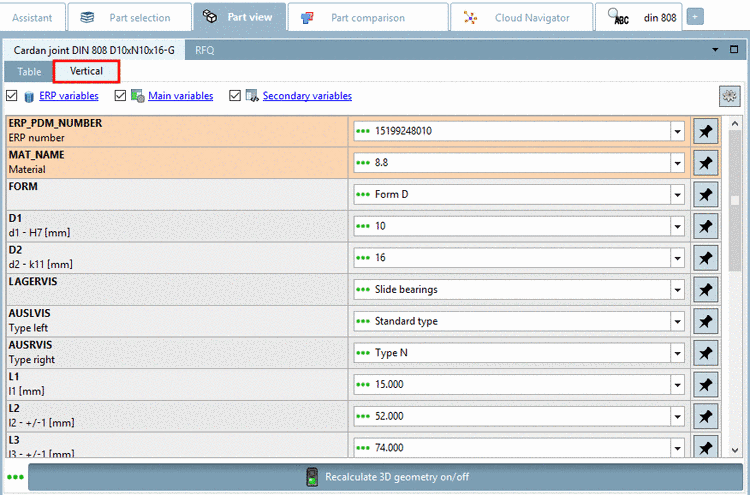
The same functionality is also available in PARTdesigner.
Perform the
respective setting under $CADENAS_USER\psolopt.cfg.
[SETTINGSTABLE]
ResizableColumns=NO/YES