|
The
 Search
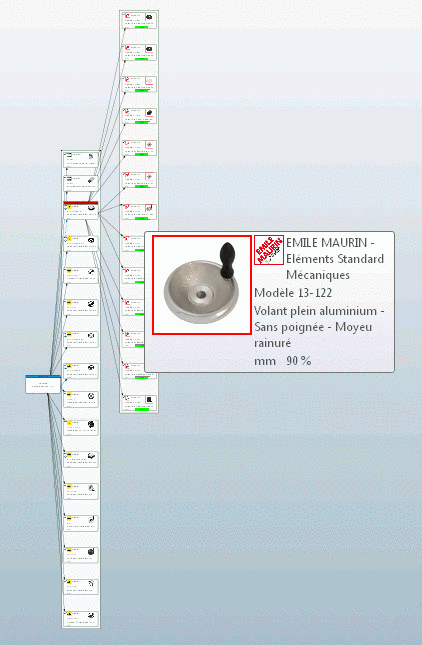
creates a 2D map from the parts of a search result based on geometric
similarity.
Search
creates a 2D map from the parts of a search result based on geometric
similarity.
The same happens,
if the Cloud Map display mode 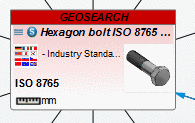 is chosen afterwards. This mode can be chosen after
all kinds of search methods.
is chosen afterwards. This mode can be chosen after
all kinds of search methods.
The Cloud Map search or depiction provides the following features:
Geometric similar parts are closer to each other than dissimilar parts.
So you get a quick overview on the search results. If desired you can further specify the results by another search via context menu.
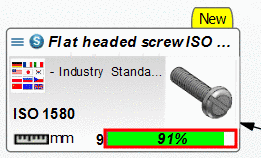
When clicking on a part (graphic) a tooltip appears with part information on part number and part name, furthermore a 3D preview is displayed.
Above the Cloud Map a toolbar with additional functions is displayed.
: After click on the button the parts are grouped and marked with frames.
Transparent background: Turn off transparency, if graphics are overlapping and you want to focus on the marked graphic.
Show relations: If you activate the checkbox, then link lines based on textual conformity are displayed. Geometric and textual information does not have to be according in any case.