
1.4.1.2.1. PARTproject 1.4.1.2.1.3. Generation of preview images - Faster error message for missing index |  |
| Prev | Next |
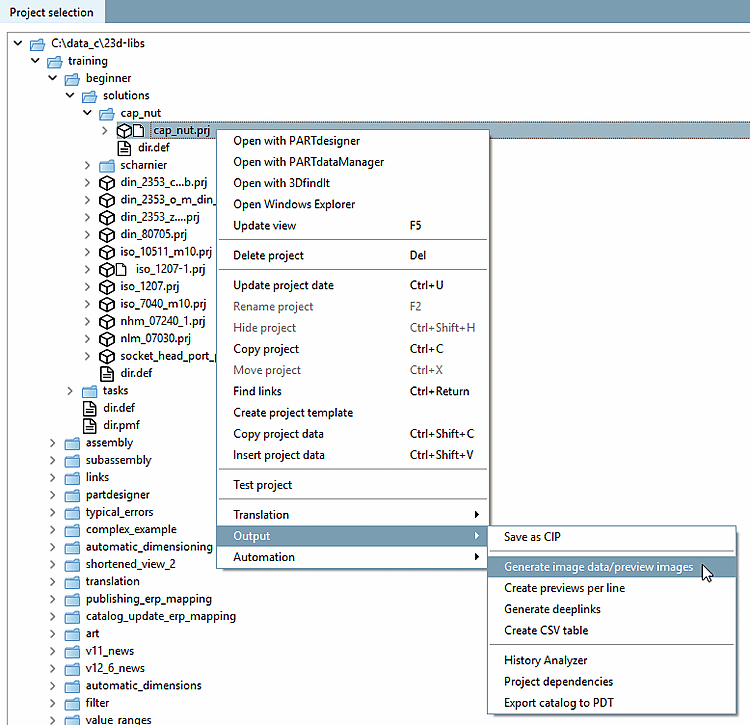
An index must be available to generate image data or preview images.
![Export image data [Export images]" dialog box](https://webapi.partcommunity.com/service/help/latest/pages/jp/partsolutions_user/doc/resources/img/img_8756de0d2ef84d60a4b2b2d79385b5d0.png)
If this is not available, an error message appears immediately after the command is called up.
![Error when creating the index. Make sure that an index has been created for the base element. [Error on index creation. Make sure that an index was created for the baseitem.]](https://webapi.partcommunity.com/service/help/latest/pages/jp/partsolutions_user/doc/resources/img/img_0d157e13c3fe4c8d95380efe6e1fff2d.png)
Error when creating the index. Make sure that an index has been created for the base element. [Error on index creation. Make sure that an index was created for the baseitem.]
The easiest way to do this in PARTproject is via the Update index button.
