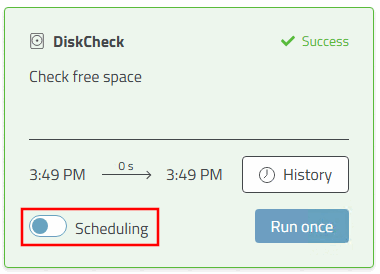
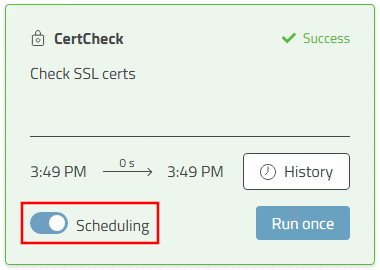
The Active to Group keys listed below are identical for all tasks.
RunAtStart: 0/1 - off/on - RunAtStart is a one-time automatic execution each time the app server is started - provided the task is active.
TimeTable = If Scheduling has been activated in the dashboard, an interval time can be defined via Config-Key.
Format examples: 60s, 30m, 12h, 7d or 17:45. The specification does not require quotation marks.
Module: Specifies the name of the module. This must not be changed.
Description: A brief description of the module. Can be customized if required.