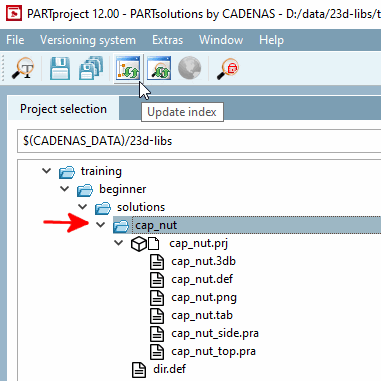
In order for the newly created project to be transferred to the directory structure of the PARTdataManager directory structure, the index [Index] must be updated.
First select the folder cap_nut.
Then click on the Update index button
 . (The button is only active at folder level)
-> The new project can now be viewed in PARTdataManager be viewed.
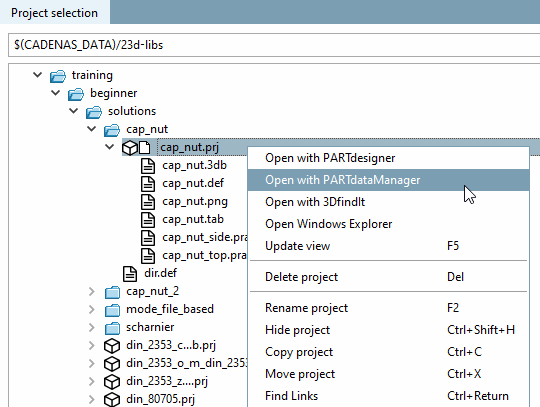
Switch to the project level and click on the context menu command Open with PARTdataManager.
-> The cap nut is opened in PARTdataManager in the parts view [Part view].