
 |
In order for single parts not have to be drawn into the part compare just to see Topology information, it is displayed directly in the Part view .
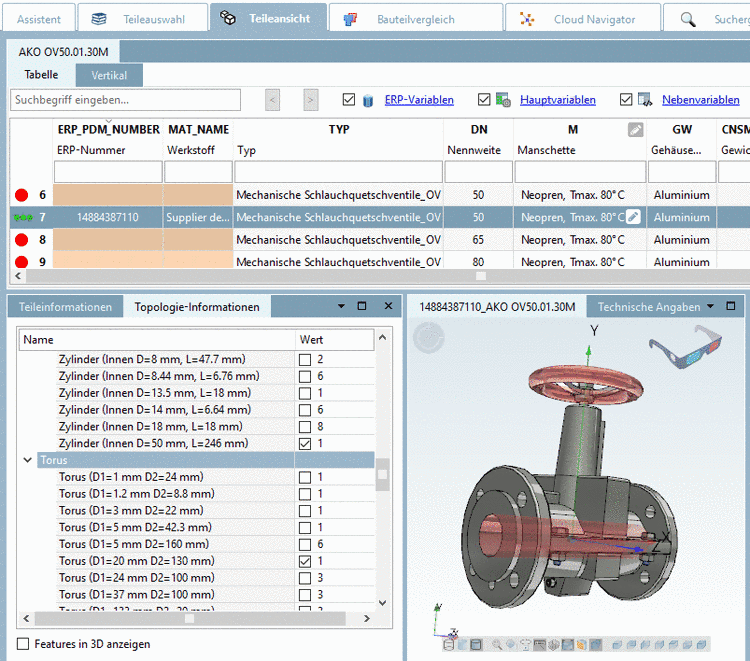
In order for certain features such as cylinders, torus, etc. to be displayed, simply activate the desired checkbox.
Compare topology information under Part comparison.