4.1. General

3Dfindit Enterprise is the visual search engine for 3D manufacturer components.

  • Installation

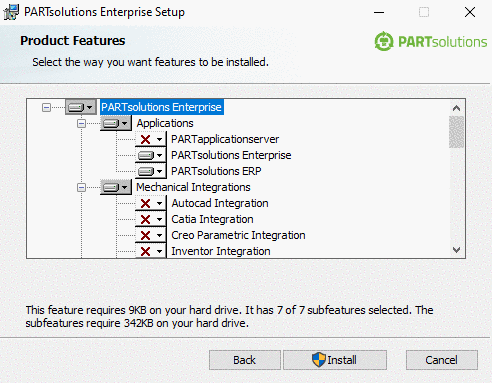
    In the course of a PARTsolutions Enterprise Installation you can install 3Dfindit Enterprise besides PARTdataManager or as only application as well. Details on this can be found under Section 3.3.1, “Different installation scenarios” in Installation Manual.

    PARTsolutions Enterprise Installer Setup

    PARTsolutions Enterprise Installer Setup

  • Call

    3Dfindit is called directly from the PARTsolutions menu in CAD.

    PARTsolutions toolbar in NX exemplarily

    PARTsolutions toolbar in NX exemplarily

    Following table shows the respective behavior for Insert model, 3Dfindit and PARTdataManager:

      Short description

    Description

    Insert model

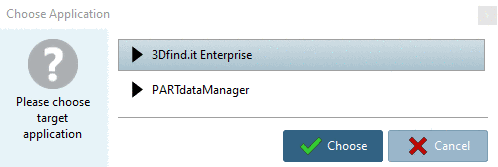
    If no other application had been started yet, the 3Dfindit client starts. If not possible, PARTdataManager starts. If another application is already running, a query is shown, whether the user wants to start 3DFind.it or PARTdataManager.

    Either select "PARTdataManager" or "3Dfind.it" and confirm with "Choose".

    Either select "PARTdataManager" or "3Dfind.it" and confirm with "Choose".

    3DFind.it

    3Dfindit: The visual search engine for 3D manufacturer components

    If 3Dfindit is not running, it will be started and if it is already running it will be used.

    PARTdataManager

    PARTdataManager: Transfer from 3D components into CAD

    If PARTdataManager is not running, it will be started and if it is already running it will be used.

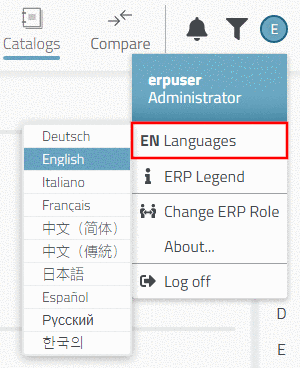
  • In the login dialog also the language selection can be found.

  • Login and role selection

    After calling 3Dfindit a login dialog is shown. (If using an Offline-CD login will be performed automatically).

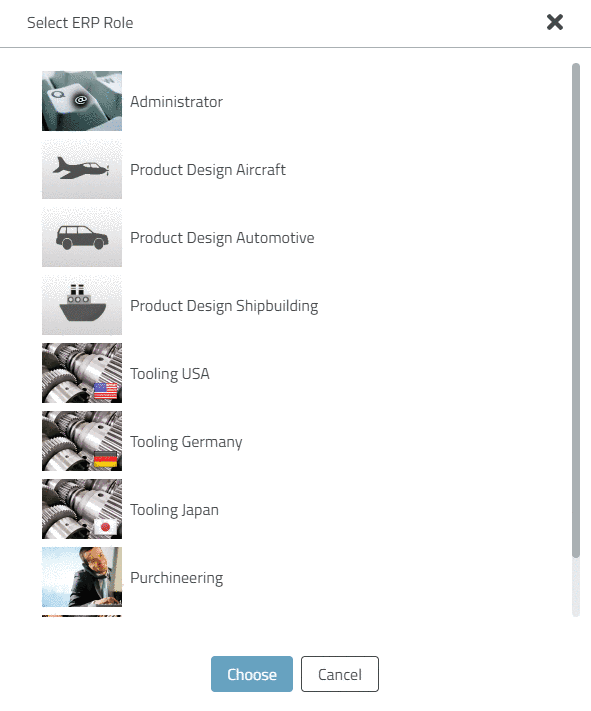
    It there are multiple roles available, after the login the Select ERP Role dialog will be displayed.

  • Administration

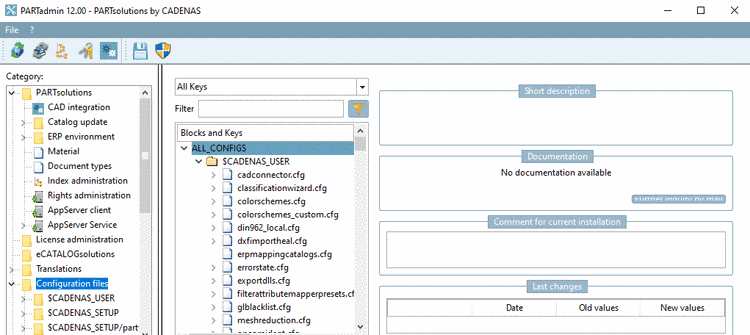
    In order to perform administrative settings, open PARTadmin via PARTsolutions menu in CAD -> Settings.

    PARTsolutions menu in CAD (exemplarily in NX)

    PARTsolutions menu in CAD (exemplarily in NX)

    PARTadmin

    PARTadmin

    All details on this can be found in the PARTsolutions Administration manual.