
1.6.1.3.2. PARTdesigner 1.6.1.3.2.3. Configurator - Context menu commands for "Conditions" and "Rules" renamed |  |
| Prev | Next |
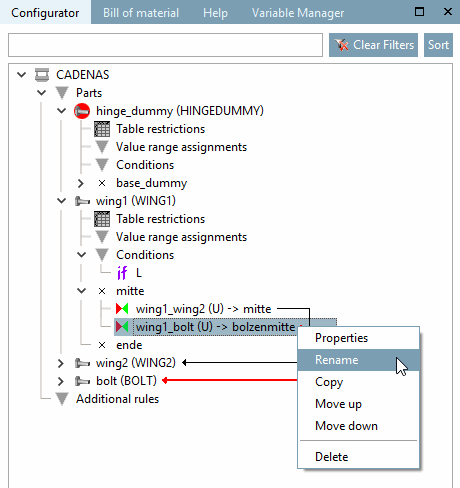
In the Configurator docking window in PARTdesigner under Conditions, context menu commands have been renamed so that they are now easier to understand:
![PARTdesigner > Docking window "Configurator [Configurator]" > "Conditions [Conditions]" > "New condition [New condition]"](https://webapi.partcommunity.com/service/help/latest/pages/jp/partsolutions_user/doc/resources/img/img_99325ef33dd745e2856204f0d474a09c.png)
PARTdesigner > Docking window "Configurator [Configurator]" > "Conditions [Conditions]" > "New condition [New condition]"
Context menu commands under Rules have also been renamed:
![PARTdesigner > Docking window "Configurator [Configurator]" > "Conditions [Conditions]" > "Insert rule [Insert rule]"](https://webapi.partcommunity.com/service/help/latest/pages/jp/partsolutions_user/doc/resources/img/img_c23a5b1569ca4e2cbf787d44127cf9cd.png)
PARTdesigner > Docking window "Configurator [Configurator]" > "Conditions [Conditions]" > "Insert rule [Insert rule]"
Further information on this topic can be found here: Section 7.13.5.6, “Context menu " Conditions " ” in eCATALOG 3Dfindit