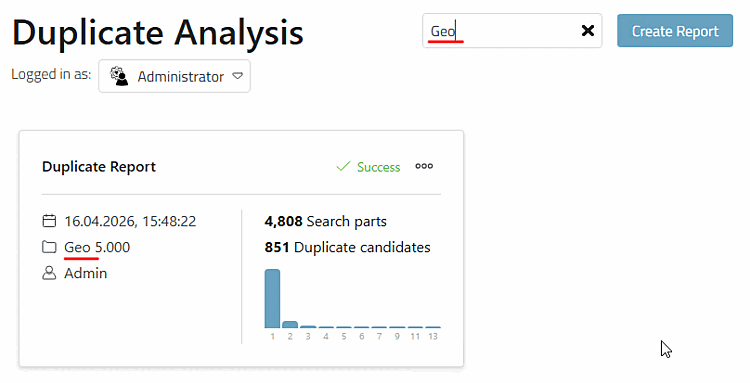
All reports that have already been created are listed as individual cards on the start page.
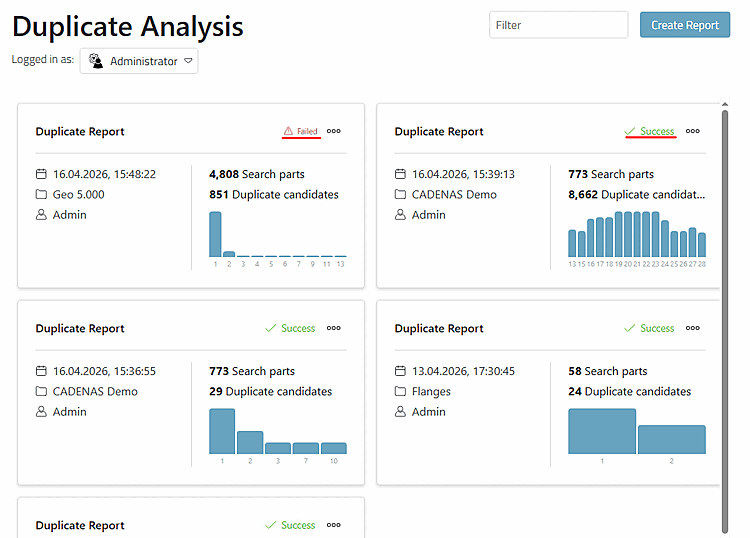
You will find the following information at the top right:
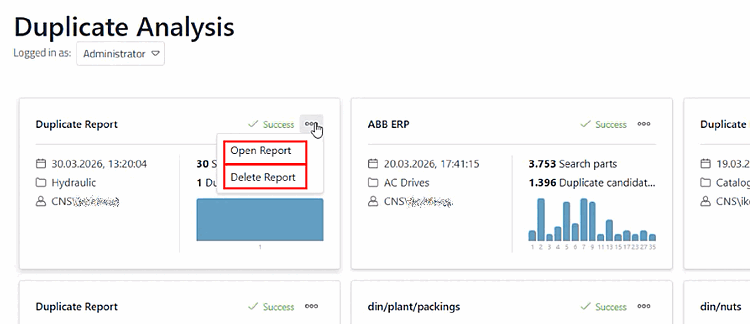
Using the .. button you can open a report (same as clicking on the card) or delete it.
If required, enter a term in the filter field to reduce the displayed reports accordingly with a full text search, e.g. with name, path, date or user.
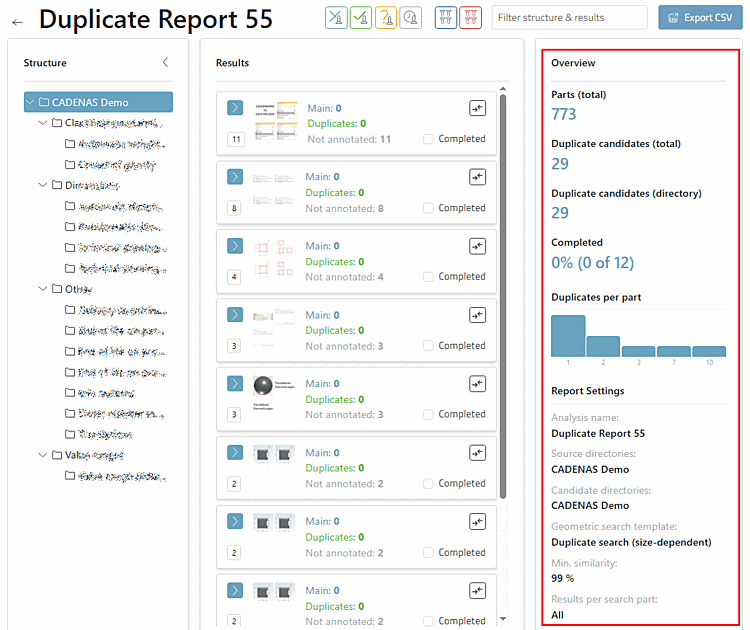
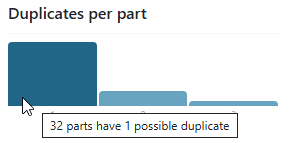
After selecting a successfully executed report, you will see a statistical evaluation in the upper area on the right under Overview, and setting details in the lower area: