|
In the PARTsolutions menu of your CAD system, call the respective search (here exemplified "Anbauteile Suche" [Attachment parts]; function and button are not included in the standard).
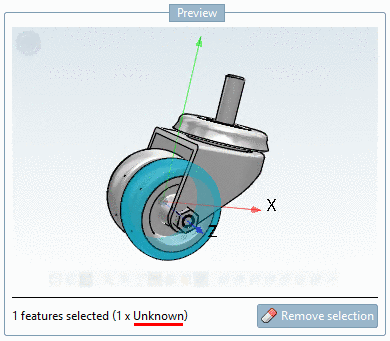
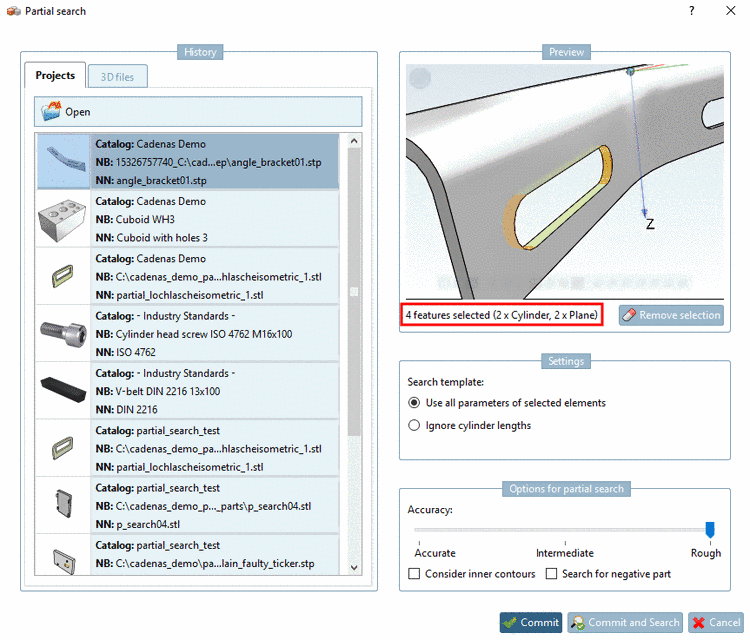
Define the desired pattern by selections on the reference part.
Determine the desired tolerances for distance and diameter.
Start the search by clicking on .
-> The search results are listed.
When moving the mouse over a preview image, you can check details in the tooltip.
-> It is immediately inserted according to previous selections.