

Validated electrical parts contain important information like mounting points, symbols, alternative views, technical parameters, classifications, part numbers, etc.
The Create class system for filters plugin can be used to analyze a catalog in a batch run with regard to the requirements for certification.
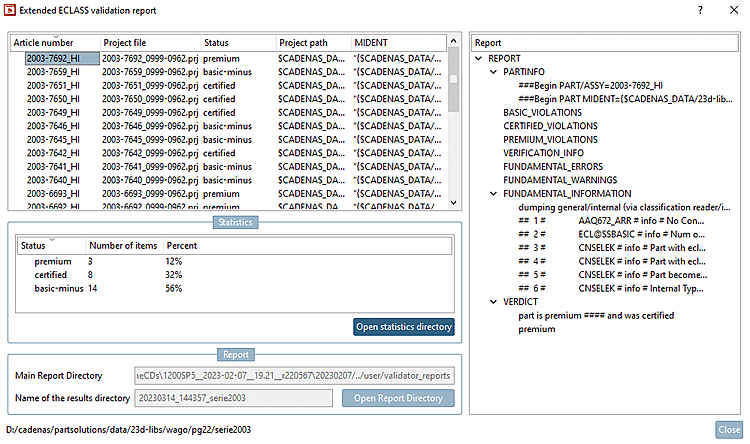
With V12.6, it is possible to load generated reports directly into the Extended ECLASS Validation Report [Extended ECLASS validation report] dialog without regenerating them, which saves a considerable amount of time.
To do this, open the Create class system for filter [Create class system for filters] dialog under Report name, select the desired report and click .
!["Create class system for filter [Create class system for filters] " dialog](https://webapi.partcommunity.com/service/help/latest/pages/jp/installation_ecatalogsolutions/doc/resources/img/img_c54f549a891b48bc8f53172b5ca0fd7b.png)
-> The Extended ECLASS Validation Report [Extended ECLASS validation report] dialog opens with the desired data.
For details, see Section 5.12.11.28.5, “ Create class system for filters (plugin) ” in eCATALOG 3Dfindit.