
 |
You can define clickable text fields to part faces in the 3D view and then connect them to variables.
Variable description text, color of variable table columns and the current value of the variables in the 3-D view are automatically transferred into the displayed identification field (see image below).
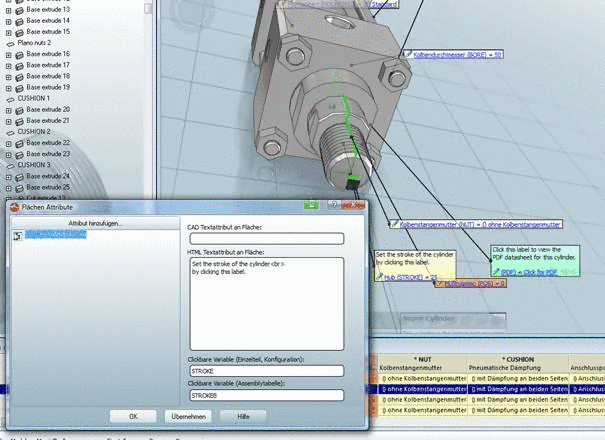
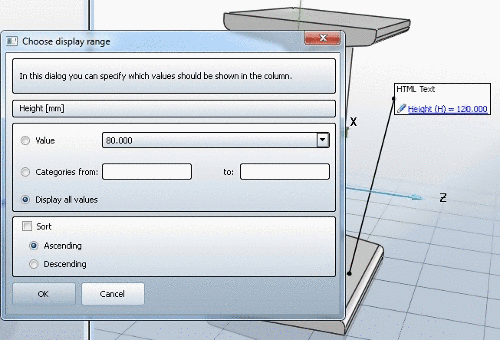
On the Face attributes dialog page enter the desired text into the HTML text attribute on face field.
Define the connected variable.
There are two alternatives for this:
Through this you can differentiate between what is to be displayed in the single part/configuration mode and in the Assembly-Table mode.
On the one hand it may be different variables, but you can also hide the label: If you only assign one variable for the single part, but not for the Assembly-Table, then the entire label will be invisible in the Assembly-Table mode.