|
Via toolbar in the 3D comparison section you can easily perform comparative operations:
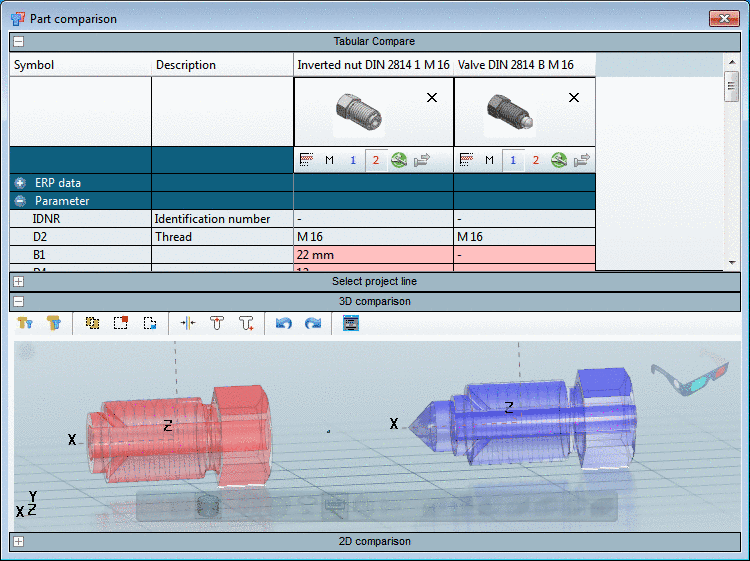


The following figures show the 3D depiction of the respective comparative operation.
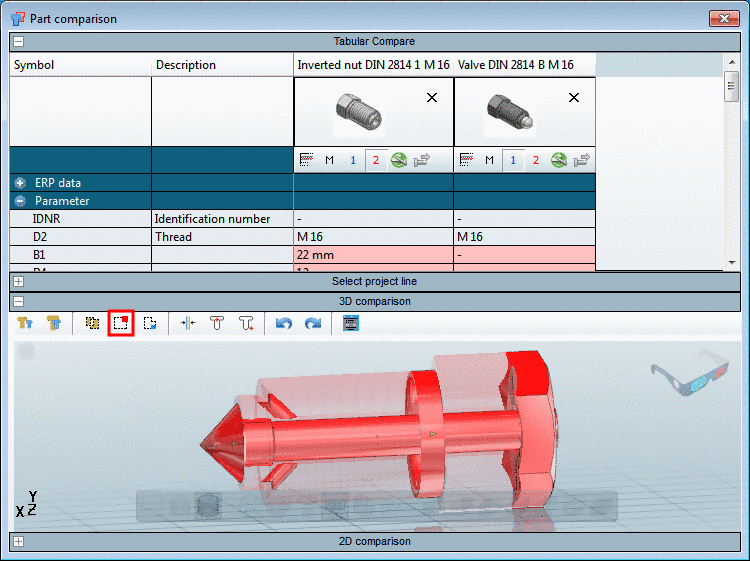
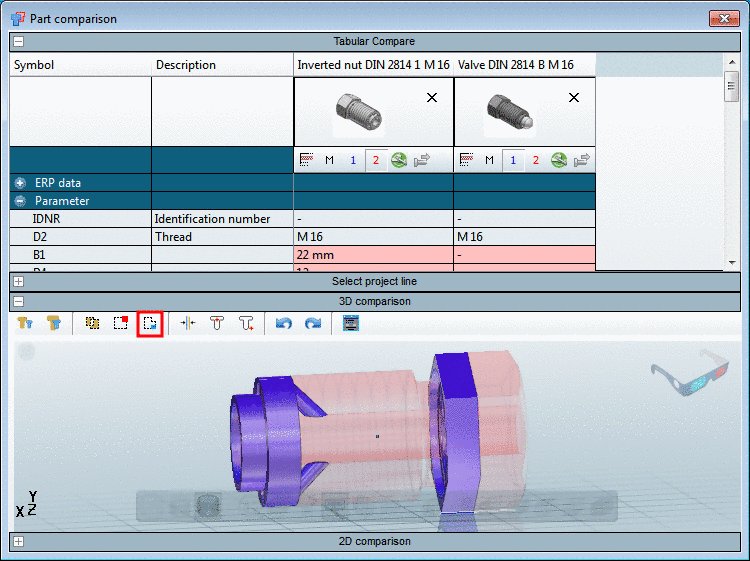

With click on
 the parts are opposed.
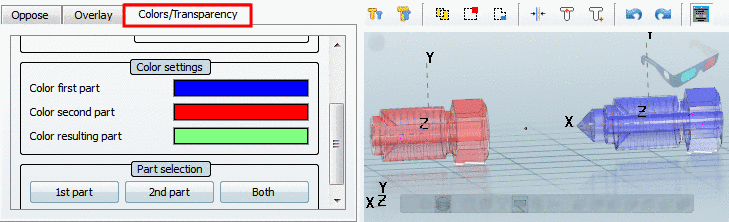
With click on Expert mode  on the left side the settings area opens. On the
Colors/Transparency tabbed page you can
determine the colors for each part or depiction:
on the left side the settings area opens. On the
Colors/Transparency tabbed page you can
determine the colors for each part or depiction: