The individual files (*.tab/tac, *.3db, *.asy, *.bmp, etc.) may be renamed.
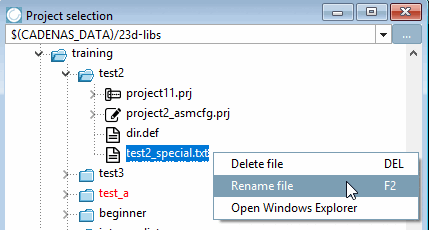
Right-click on the desired file.
-> The context menu command Rename file appears.
-> The dialog box with the same name opens. There you will see the name of the currently selected file (Old name [Old name] ).
In the New name field, enter the file name to be replaced (including the file extension!) and confirm with .
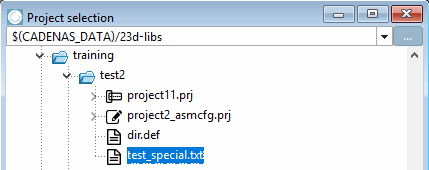
--> The new name is transferred to the directory tree.