
 |
The part can be found in a sphere whose colors are defined.
In addition, the floor is colored and can be designed with a texture.
Via PARTdataManager -> Extras menu -> Preferences -> Environment tab page -> you can adjust the settings.

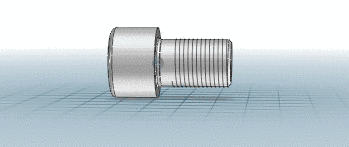
More information can be found under Section 3.3.8.3.4, “ Environment sphere ” in PARTsolutions - User manual.