|
If you want to exclude special directories (e.g. with print data) from the CIP generation, then do the following:
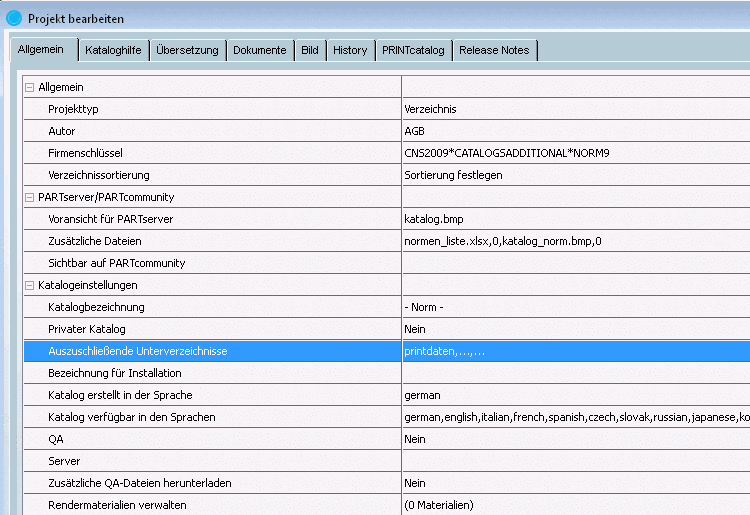
In PARTproject on catalog level call up the General1 index page.
Under Settings for the catalog -> Subfolders to exclude click on the browse button .
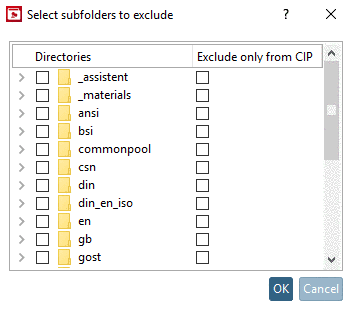
-> The Select subfolders to exclude dialog box opens.
Select the checkbox at all directories to exclude and confirm with .
-> The selected directories are inserted, separated by comma in the input field.