Chapter 8. Catalogs /
Classifications 8.1. Catalogs: Installation via versioning system (SVN)
|  |
| Prev | Next |
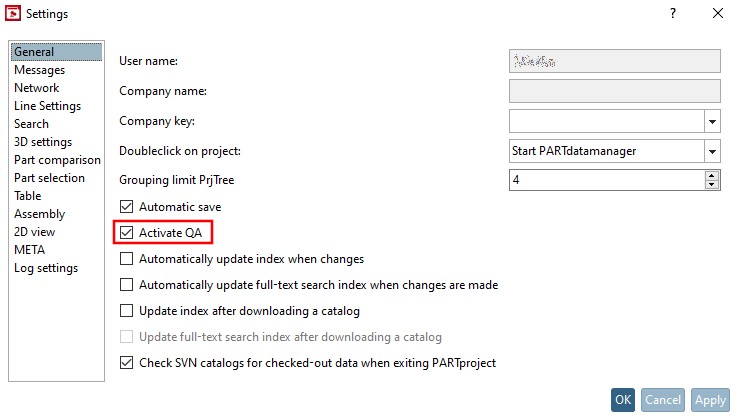
Open the dialog of the same name via PARTproject, Extras menu -> Settings.... [Settings...]
Activate the Enable QA [Activate QA] option.
Click on Svn login [Svn Login] in the Version management [Versioning system] menu.
Enter your login details and confirm with .
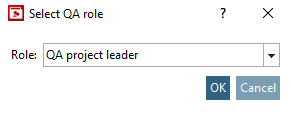
If necessary, select your QA role.
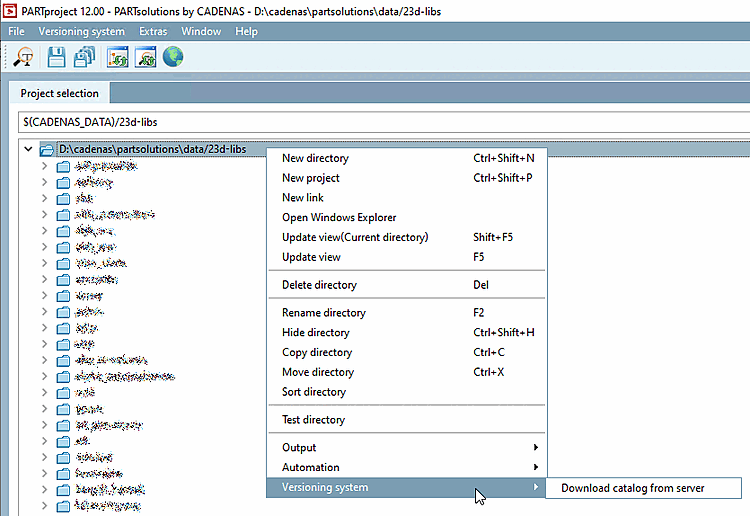
Download your catalog from the SVN.
.. .data/23dlibs -> Version management [Versioning system] -> Download catalog from server
![Svn registration [Svn Login]](https://webapi.partcommunity.com/service/help/latest/pages/jp/installation/doc/resources/img/img_1b8d3745d2fe4baba114b494dd823517.png)
![Svn registration [Svn Login]" dialog box](https://webapi.partcommunity.com/service/help/latest/pages/jp/installation/doc/resources/img/img_830ee411661d442d93c6790b301aa74e.png)