

If there is an enrichment for electrical or piping, the corresponding icon is automatically displayed in 3Dfindit.


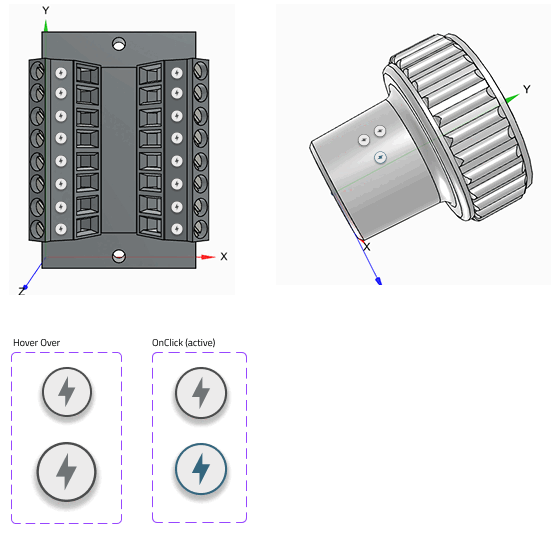
Added value: Users can immediately see what a connection is about.
Note: A current classification must be installed for the points to be visible.
![Example: CNS electrical connections [CNS_CP|...]](https://webapi.partcommunity.com/service/help/latest/pages/jp/installation/doc/resources/img/img_c5d553c53d654ceaabcda9c2efaebc3d.png)
![Example: CNS pipe connections [CNSPIPECONNECTOR]](https://webapi.partcommunity.com/service/help/latest/pages/jp/installation/doc/resources/img/img_29c52541b56641bfb517bb839b85a992.png)
For further details see Section 5.12.5.6, “3D info points ” in eCATALOG 3Dfindit.