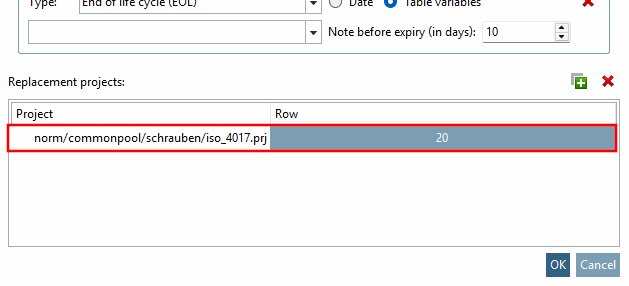
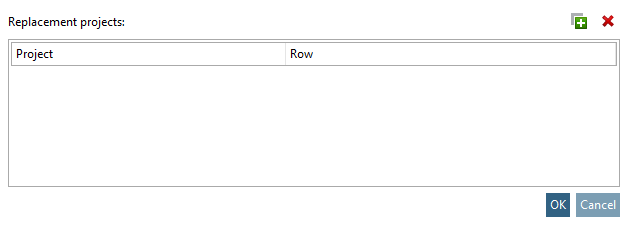
Substitute projects [Replacement projects]: If you want to specify one or more substitute projects, click on  .
.
-> An Explorer window is opened.
Specify the replacement project and click .
-> The Select table row [Select table line] dialog box opens.
![Select table row [Select table line]" dialog box](https://webapi.partcommunity.com/service/help/latest/pages/jp/ecatalogsolutions/doc/resources/img/img_612b2763331549d882138e67958b9f6a.png)
-> The replacement project is displayed in the Replacement projects dialog area.