1.7.4.7.3. Block
[SettingsSearch] - Main settings for searching 1.7.4.7.3.2.
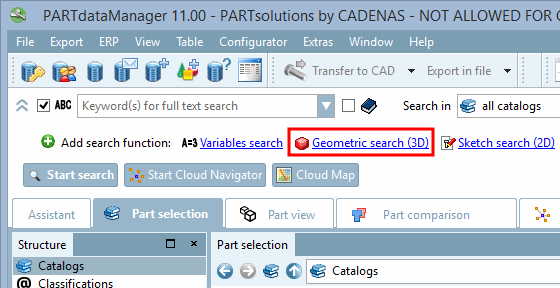
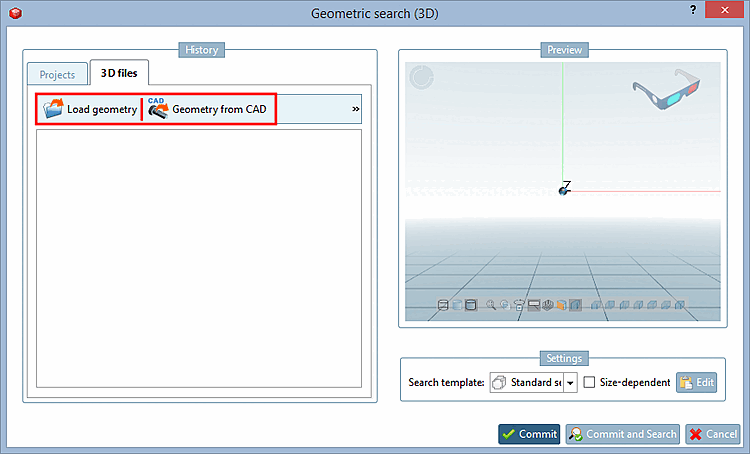
Keys "LoadGeometryEnabled"
and "LoadFromCadEnabled" |  |
| Prev | Next |
1.7.4.7.3. Block
[SettingsSearch] - Main settings for searching 1.7.4.7.3.2.
Keys "LoadGeometryEnabled"
and "LoadFromCadEnabled" | |
| Prev | Next |