To use favorites that have already been set, proceed as follows:
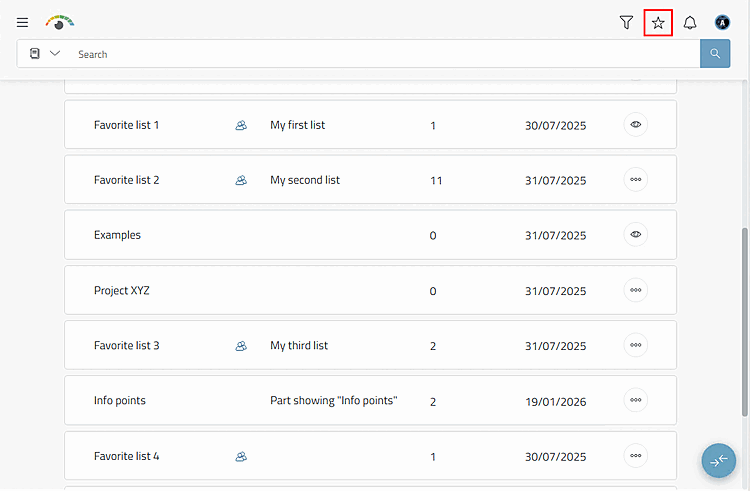
Click on the Favorites menu item in the user menu.
-> The Favorites lists dialog box opens.
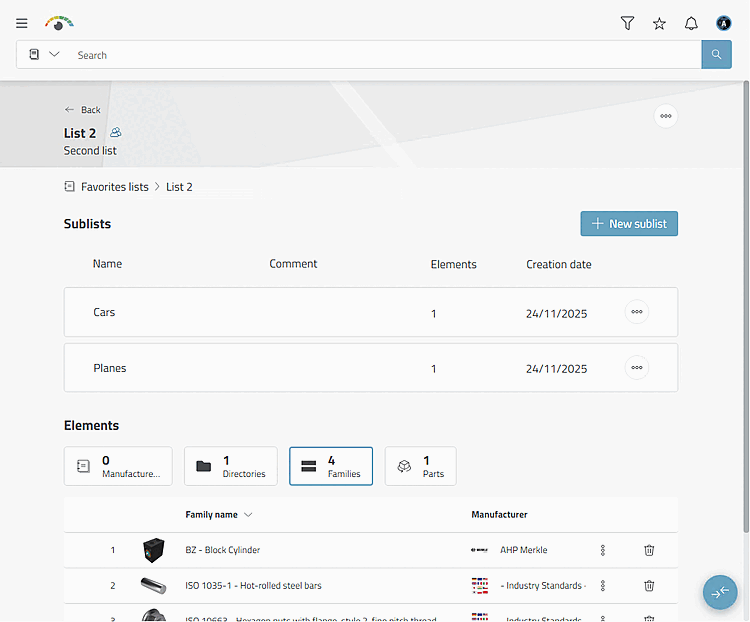
Click on the desired list to open it.
-> you can see whether the list contains sublists that you can also open if necessary.
-> You can create new sublists at this point by clicking on .
-> You can see the subdivision into the elements catalogs, directories, families and parts.
-> you recognize by the Icon Access: Shared
 if it is a shared list
Is.
if it is a shared list
Is.
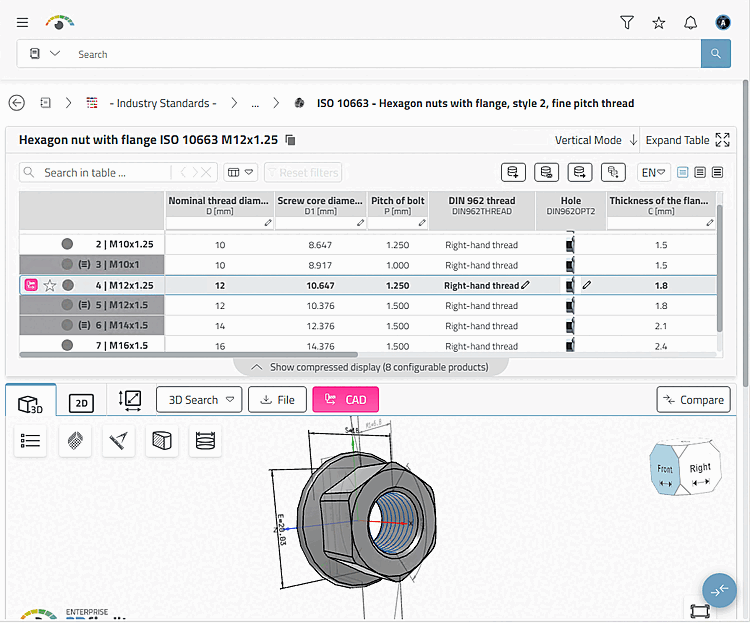
For example, select the Families category and then ISO 10663 (shown here as an example).
-> The product table for "ISO 10663" is displayed.