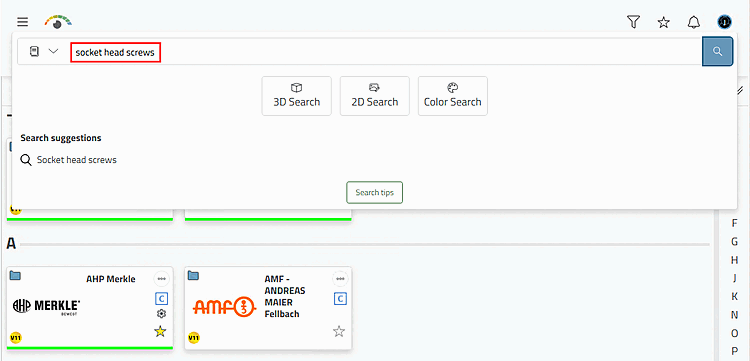
Enter the term "socket head screws" in the search field. (You can also search within a specific catalog using the order no. / type code search [Order number / Type code Search] if, for example, the article or ERP number is known).
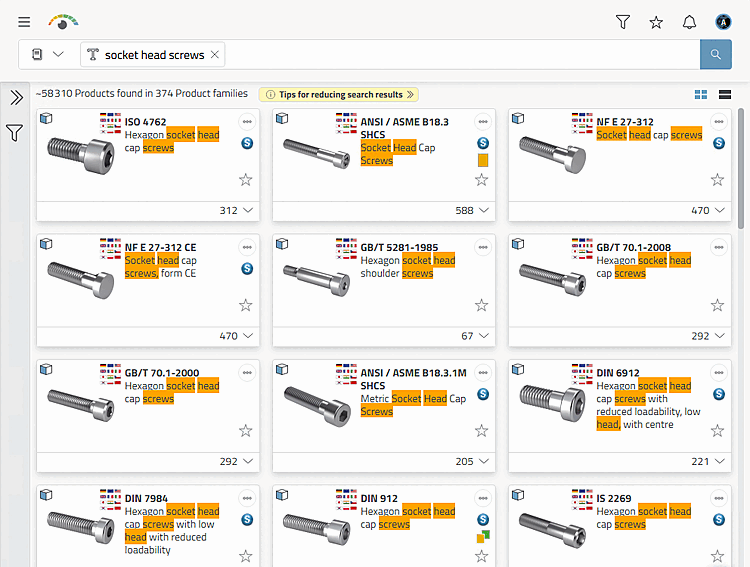
→ The search results are displayed.
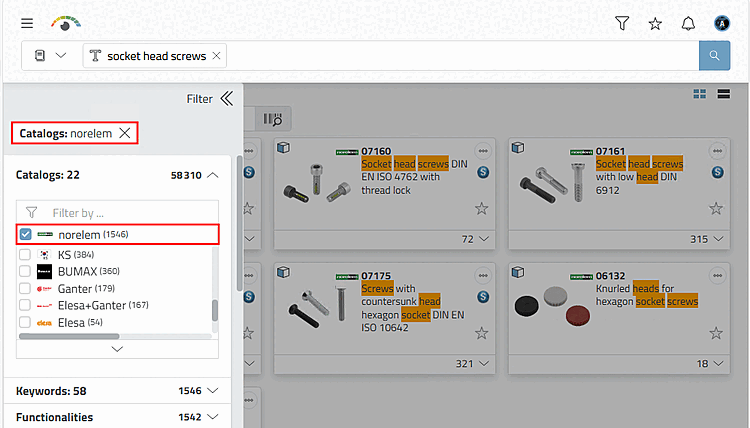
Open the filter [Filter] with the arrow icon
 and filter by, for example
catalogue manufacturers (one or more).
and filter by, for example
catalogue manufacturers (one or more).→ Each time a change is made, the search is executed immediately and the display is adjusted.
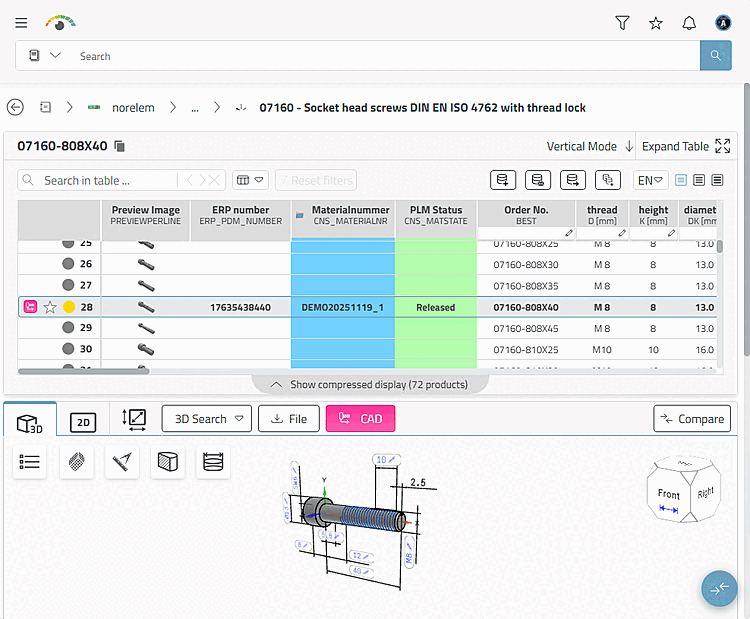
Select the desired characteristic from the table.