7.6.2. Listing of all possible features in the "3D history " docking window 7.6.2.1. Timeline
|  |
| Prev | Next |
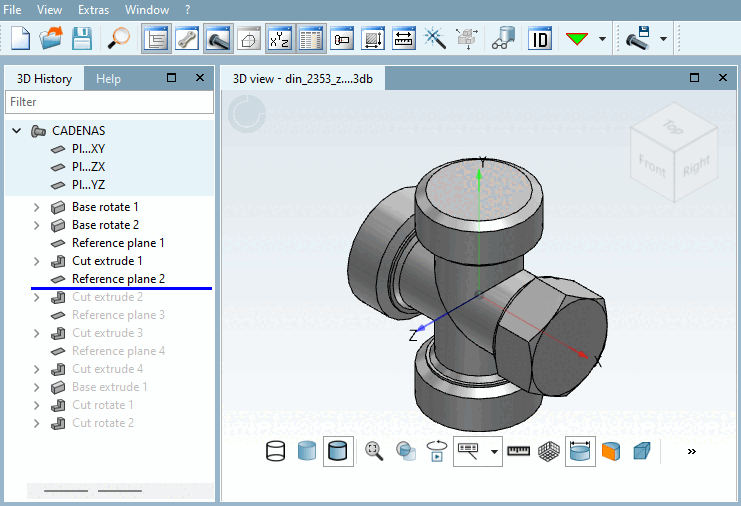
The timeline is displayed as a blue line in the 3D history [3D History] window. It symbolizes the time at which the currently loaded component was viewed.
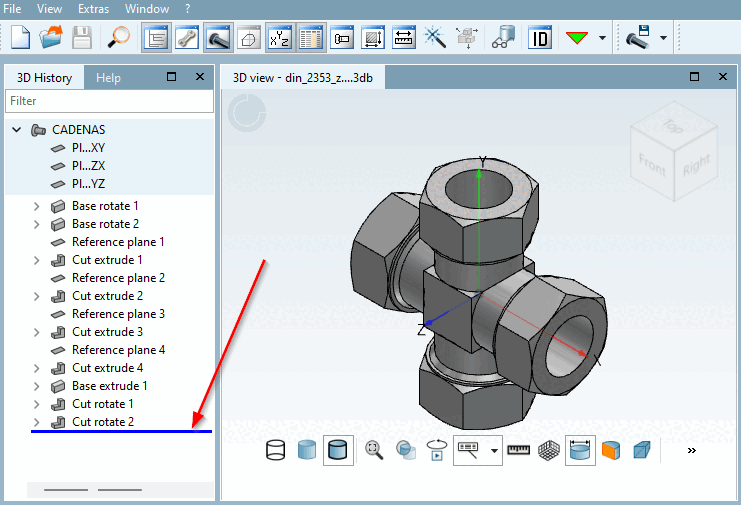
The timeline can be moved to a different position in the 3D history [3D History] using drag & drop or ALT + mouse wheel. The invisible steps that were created at a later point in time are grayed out in the history. They are only displayed again as soon as the timeline is moved so that they are above the line.